Character creation
Design a character once and Lumen Landmark keeps them consistent across every scene.
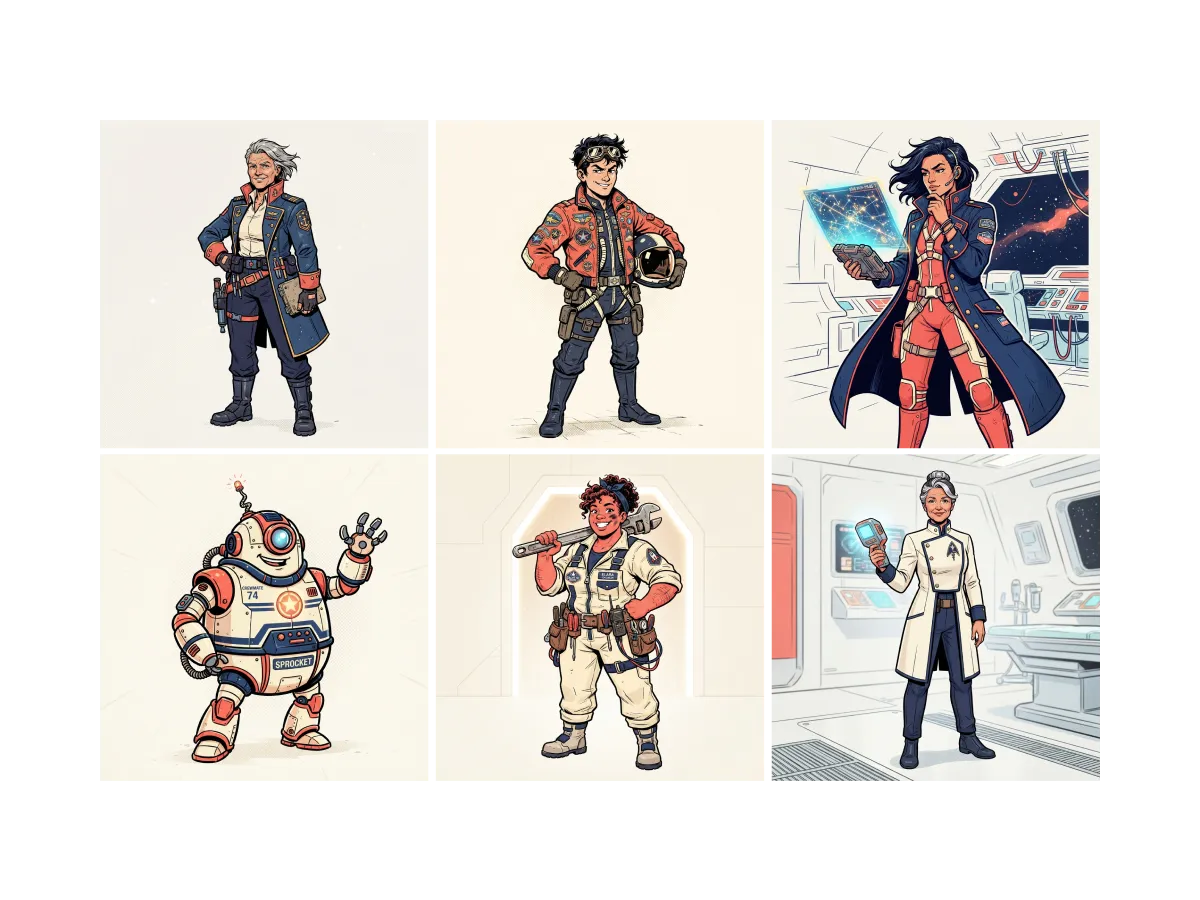
Discover, save, and create with Character creation
Find character inspiration
A strong character starts from a clear picture in your head. In Lumen Landmark you discover character art inside the app and save the looks you love, so you have real references before you design. Every look you keep tunes the suggestions inside that collection.
Learn more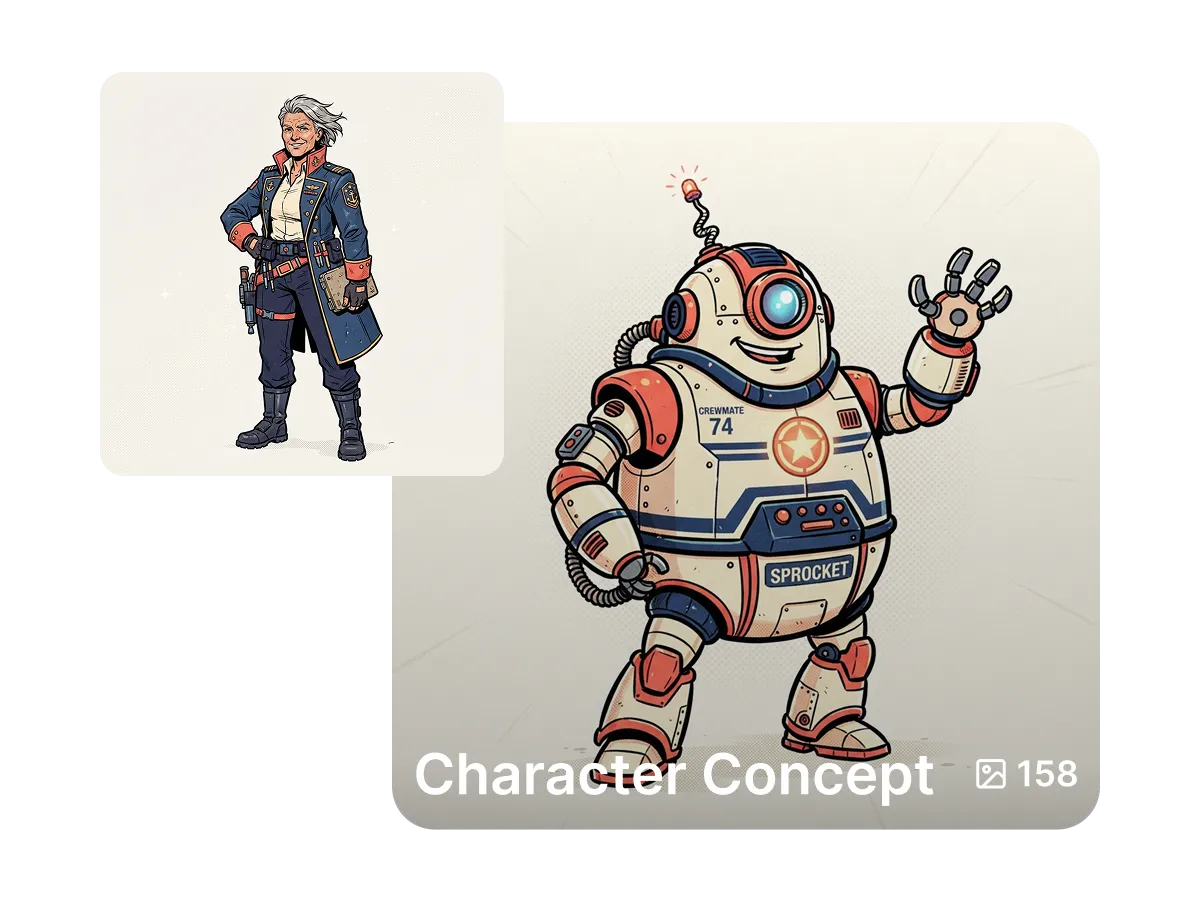
Save your characters in one place
A character quickly becomes dozens of scenes. In Lumen Landmark you save every version into a collection with one tap, so each character has a home. Come back any time to keep building their story from where you left off.
Learn more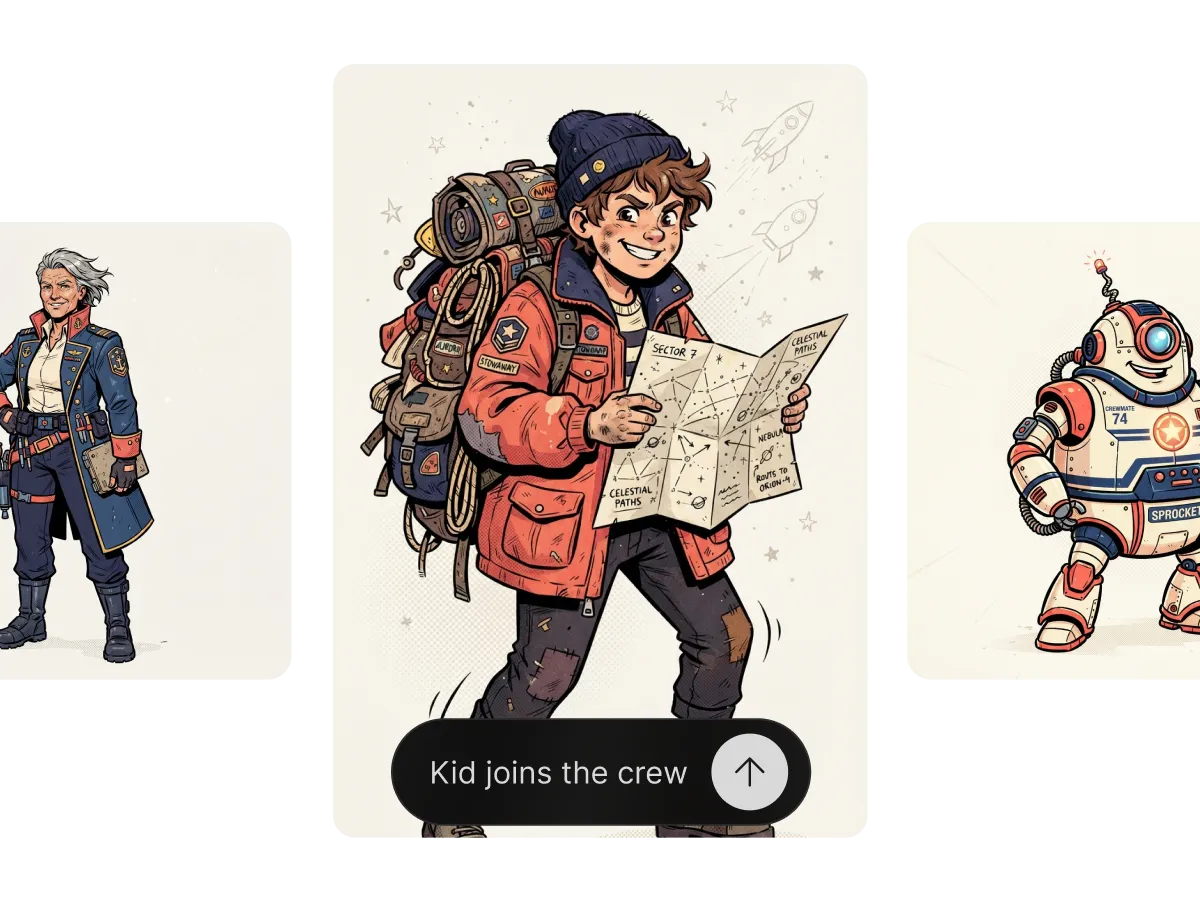
Create your own consistent characters
Most tools give a different face every time you generate. In Lumen Landmark you design a character once, then set that image as a reference so their appearance stays locked across scenes. Throne room or quiet village, they stay recognizably themselves.
Learn moreWhat you can do
One tool, many directions. Shape every generation exactly the way you want.
Use any generation to lock appearance.
Anime, realistic, painterly, comic and more.
Place the same character anywhere.
Tweak outfits and poses with Editing characters.
Discover, save, create
Three steps, and each one makes the next better.
1. Discover
Look through character art in the app and save the looks that inspire the character you want to design.
2. Save
Design your character, then keep them in a collection and set the image as a reference for consistency.
3. Create
Describe new scenes and Lumen Landmark keeps your character recognizable across every one of them.
More tools
Explore the rest of the suite
Answers
Frequently asked questions
What is the best AI character creator?
Most AI generators give a different face every time. Lumen Landmark keeps your character consistent from a reference and saves all their scenes in a collection, so your characters only get easier to build.
How do I create a consistent AI character?
In Lumen Landmark, design your character once, then set that image as a reference before you generate a new scene, so their appearance stays the same.
Can I put the same character in different scenes?
Yes. With the reference set, Lumen Landmark keeps your character recognizable across any scene, angle, or lighting you describe.
Can I combine reference images?
Yes. Use up to 3 references in Lumen Landmark to blend a character with an environment or style.
What art styles can I use for characters?
Any. Describe the style in your prompt or use a reference, and Lumen Landmark matches it, from anime to painterly to realistic.
Can I change my character's outfit later?
Yes. Use Editing characters in Lumen Landmark to restyle outfits and poses while keeping their face.