Game assets
Set your game's style once and Lumen Landmark creates every sprite, prop, and tile on-theme.
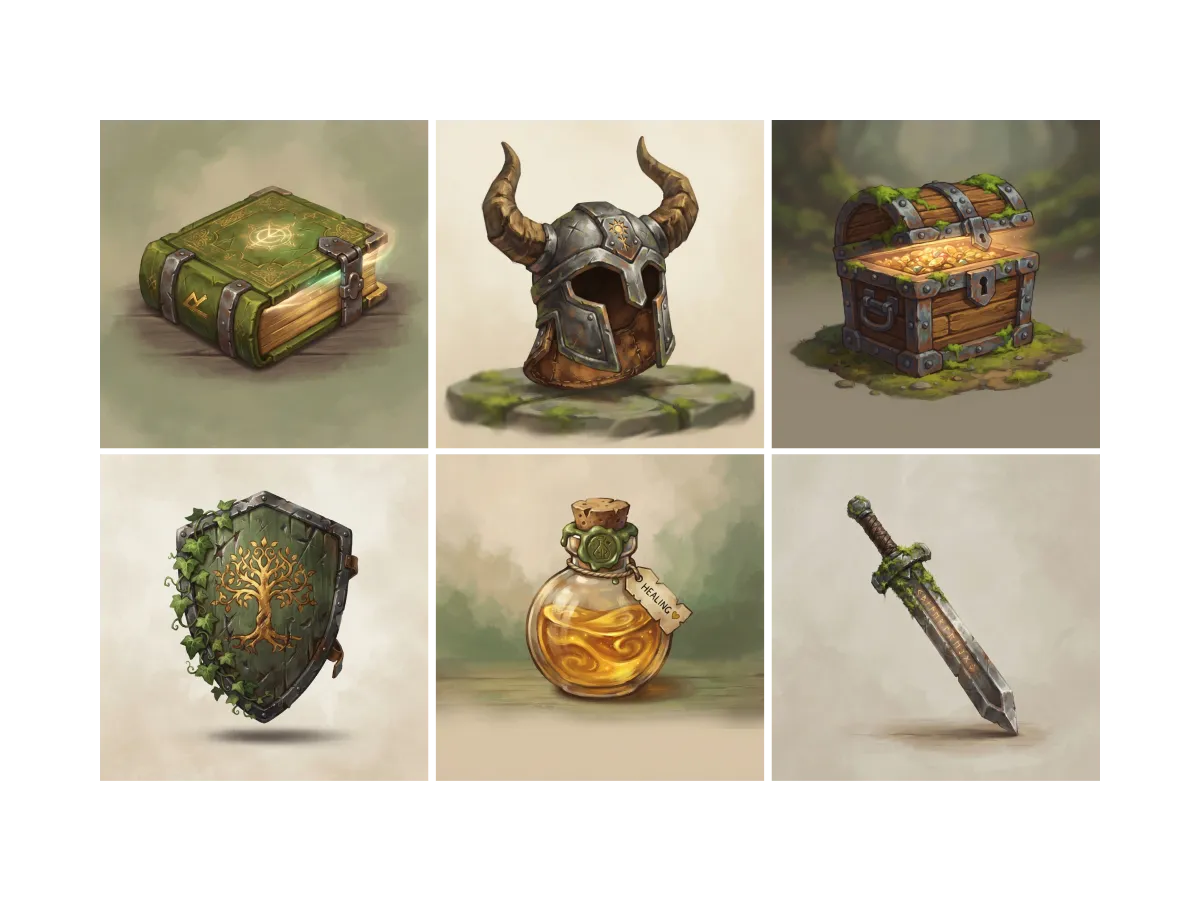
Everything you can do for game assets
Find your game's art direction
An asset pack starts with a style, not a sprite. In Lumen Landmark you discover game art inside the app and save the looks that fit the world you are building. Each style you keep tunes the suggestions you see toward your game's look.
Learn more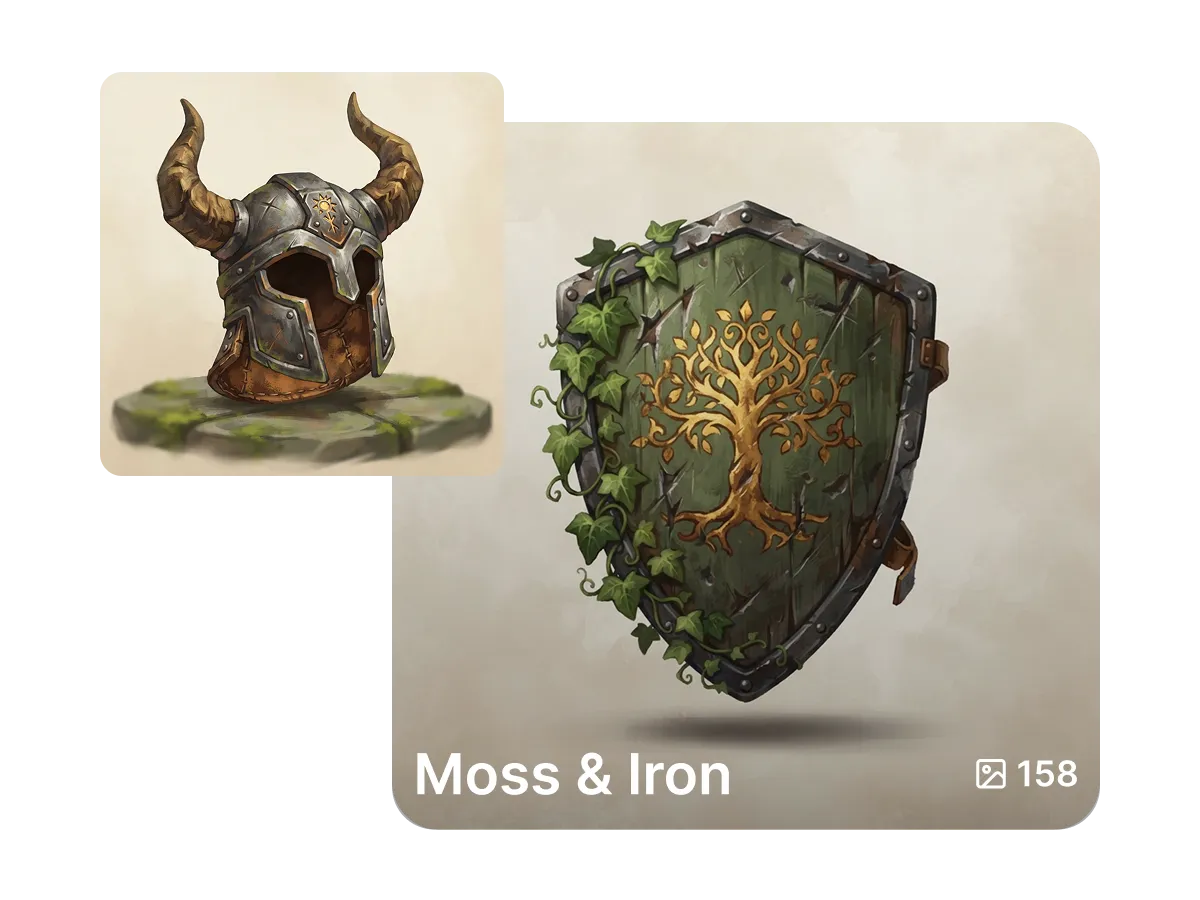
Keep every set ready to ship
Assets scattered across folders slow a build down. In Lumen Landmark you save every sprite, prop, and tile into a collection with one tap, one per pack, biome, or level. Come back any time and see what the set still needs.
Learn more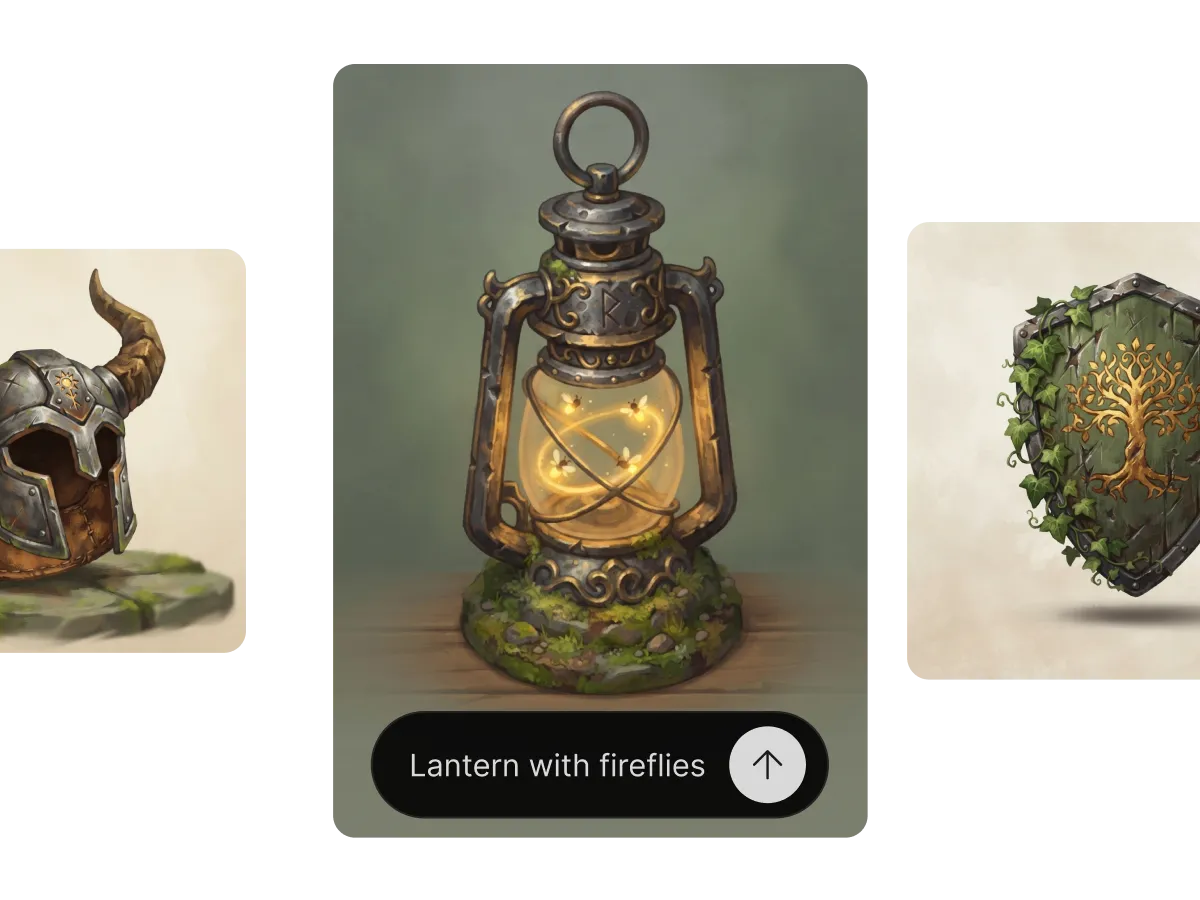
Create assets that match, not almost-match
One off-style prop breaks a scene faster than a missing one. In Lumen Landmark you set a saved asset as a style reference, describe the next piece in plain words, and it creates props that sit together in the same world. Branch one asset into ten variants in minutes.
Learn moreWhat you can do
One workflow, many directions. Shape every generation exactly the way you want.
Create matching props in one style.
Pixel, painterly, 3D-render and more.
Keep new assets on-theme with references.
Crisp at any zoom level in-engine.
Discover, save, create
Three steps, and each one makes the next better.
1. Discover
Look through game art in the app and save the styles that match the world you are building.
2. Save
Keep every asset in a collection per pack or level, so the whole set stays organized and easy to compare.
3. Create
Set a saved asset as a style reference, describe the next prop in plain words, and Lumen Landmark creates it on-theme.
More use cases
Explore other ways to create
Answers
Frequently asked questions
What is the best AI generator for game assets?
Most AI tools drift off-style between images. Lumen Landmark keeps new assets on-theme from a reference and saves every set in collections, so each pack ships faster than the one before.
How do I create game assets with AI?
In Lumen Landmark, set an asset you saved as a style reference and describe the sprite, prop, or tile you need. It creates a matching piece in seconds.
Can all my assets share one art style?
Yes. Use a style reference in Lumen Landmark so every new asset belongs to the same world.
Can I make many variants of one asset?
Yes. Branch any asset in Lumen Landmark into a set of variations in minutes: ten crates, five swords, a full tileset direction.
Are AI game assets sharp enough in-engine?
Yes. Upscale the keepers to 4K in Lumen Landmark so they hold up at any zoom level.
Can I use AI game assets commercially?
Yes. With a paid subscription, you own commercial rights to the assets you create in Lumen Landmark.