Concept art
Describe a world in plain words and Lumen Landmark creates the first direction in about 8 seconds.
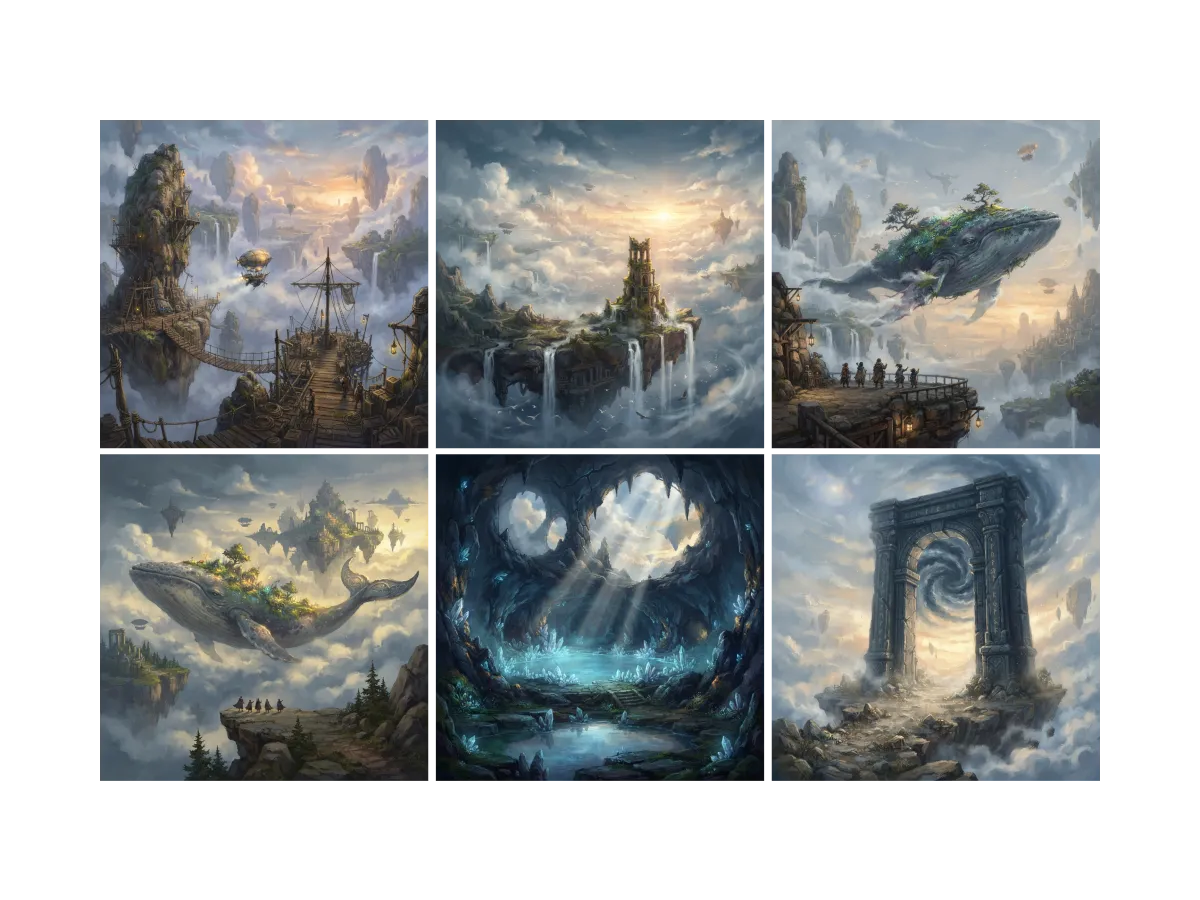
Everything you can do for concept art
Start from real art direction
Every concept starts with references, and hunting them across the web is slow. In Lumen Landmark you discover concept art inside the app and save what fits your world's mood, all in one place. Each reference you save tunes that collection's suggestions to your world.
Learn more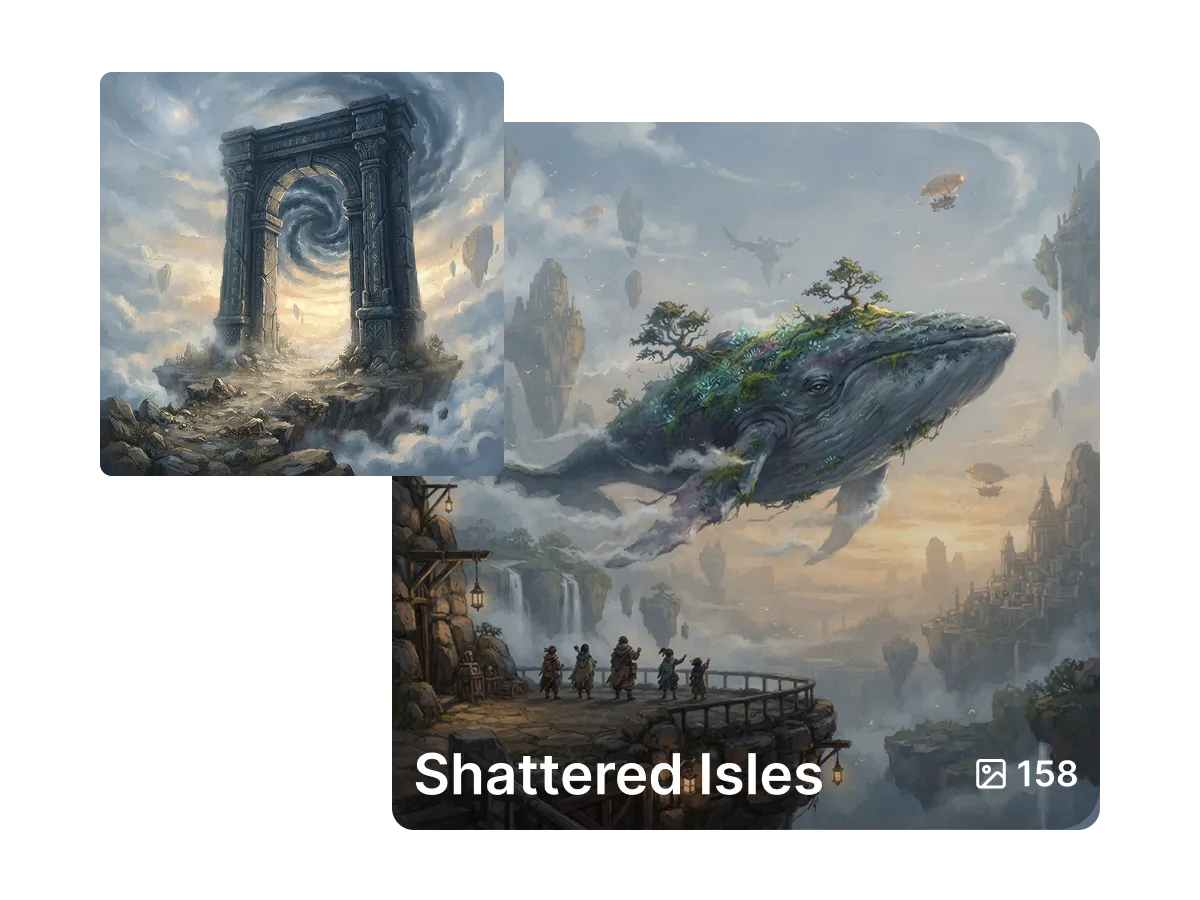
Keep the whole world side by side
A world is more than one image. It is environments, props, and moods that belong together. In Lumen Landmark you save every piece into a collection with one tap, so the direction stays side by side. Come back any time and see the world at a glance.
Learn more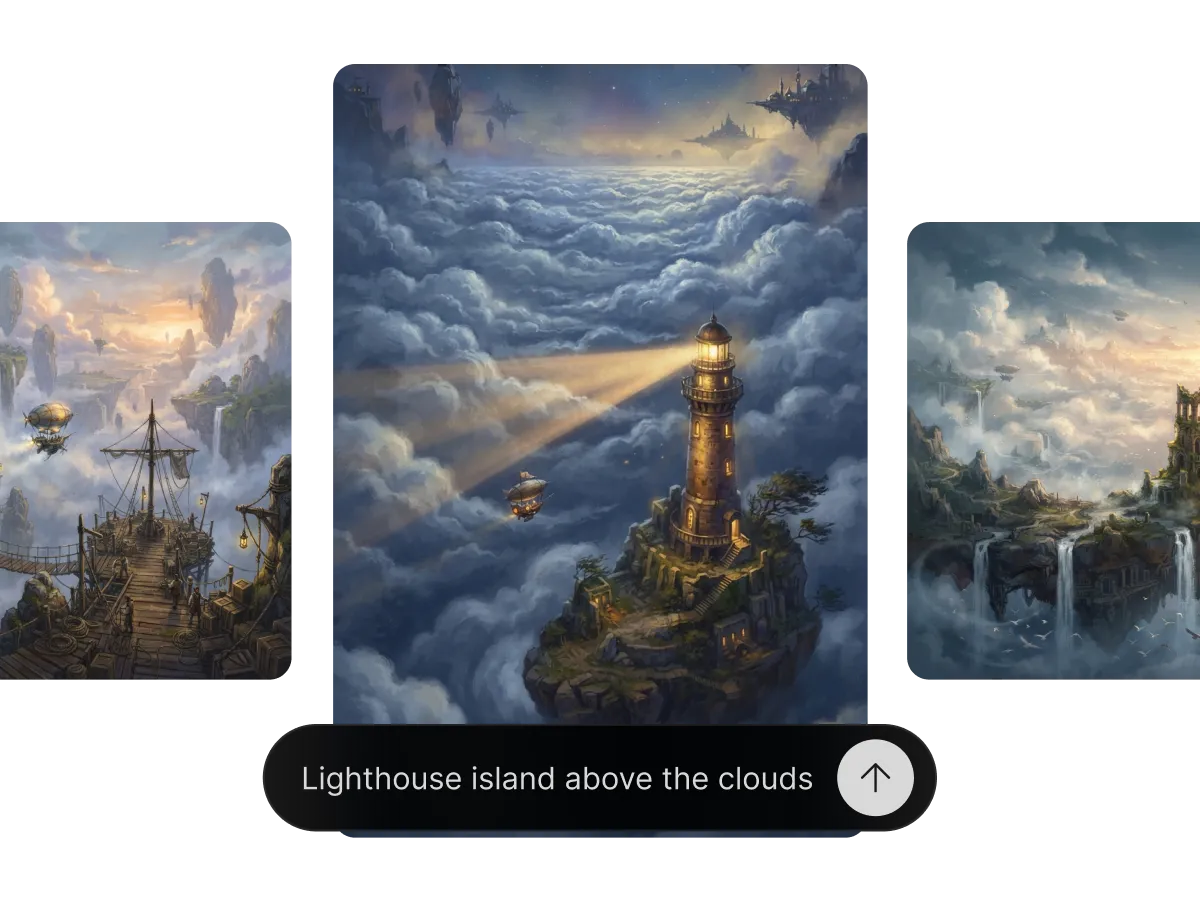
Try directions faster than you can sketch
Committing to one direction too early is expensive. In Lumen Landmark you describe the world in plain words and a new take arrives in about 8 seconds, so you compare silhouettes, palettes, and moods as fast as you can react. Refine the keeper, then take it to 4K for the pitch deck.
Learn moreWhat you can do
One workflow, many directions. Shape every generation exactly the way you want.
A new take about every 8 seconds.
Dial in palette, lighting and atmosphere.
Keep a world coherent with reference images.
Upscale the keeper for pitch decks.
Discover, save, create
Three steps, and each one makes the next better.
1. Discover
Look through concept art in the app and save the environments and moods that fit the world you have in mind.
2. Save
Keep every direction in one collection per world, so environments, props, and characters stay side by side.
3. Create
Describe the setting in plain words and Lumen Landmark creates a take in about 8 seconds. Refine the keeper and upscale it to 4K.
More use cases
Explore other ways to create
Answers
Frequently asked questions
What is the best AI tool for concept art?
Most AI tools give you one image and no way to build on it. Lumen Landmark creates a new direction in about 8 seconds and keeps every piece in a collection per world, so every world you start builds on the last.
How do I create concept art with AI?
In Lumen Landmark, describe the environment, mood, and key elements in plain words. Each take arrives in about 8 seconds, so you compare directions as quickly as you think of them.
Can I keep a world visually consistent?
Yes. Use up to 3 saved images as references in Lumen Landmark so every environment and prop belongs to the same universe.
How fast can I compare directions?
Each take arrives in about 8 seconds in Lumen Landmark, so a full afternoon of thumbnails fits into minutes.
Can I refine a concept without losing the composition?
Yes. Describe the change in plain words and Lumen Landmark applies it while keeping the layout intact.
Is AI concept art good enough for pitch decks?
Yes. Refine the direction you pick in Lumen Landmark and upscale it to 4K for presentations and reviews.