Character design
Design your cast once and Lumen Landmark keeps every character on-model across outfits, poses, and scenes.
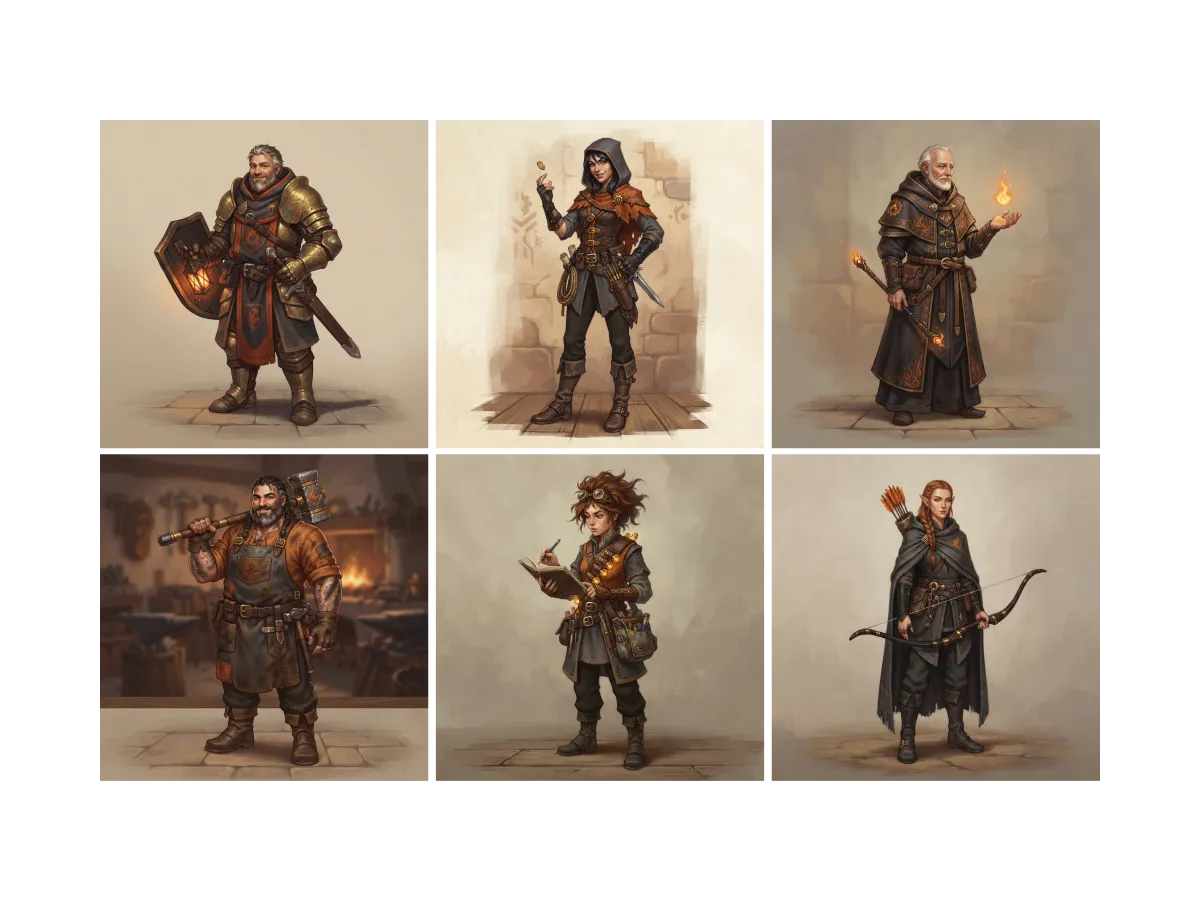
Everything you can do for character design
Find the look for every role
A cast starts as scattered ideas. In Lumen Landmark you discover character art inside the app and save the faces, outfits, and silhouettes that fit each role, so every design starts from a clear picture. Every look you save sharpens what each character's collection suggests.
Learn more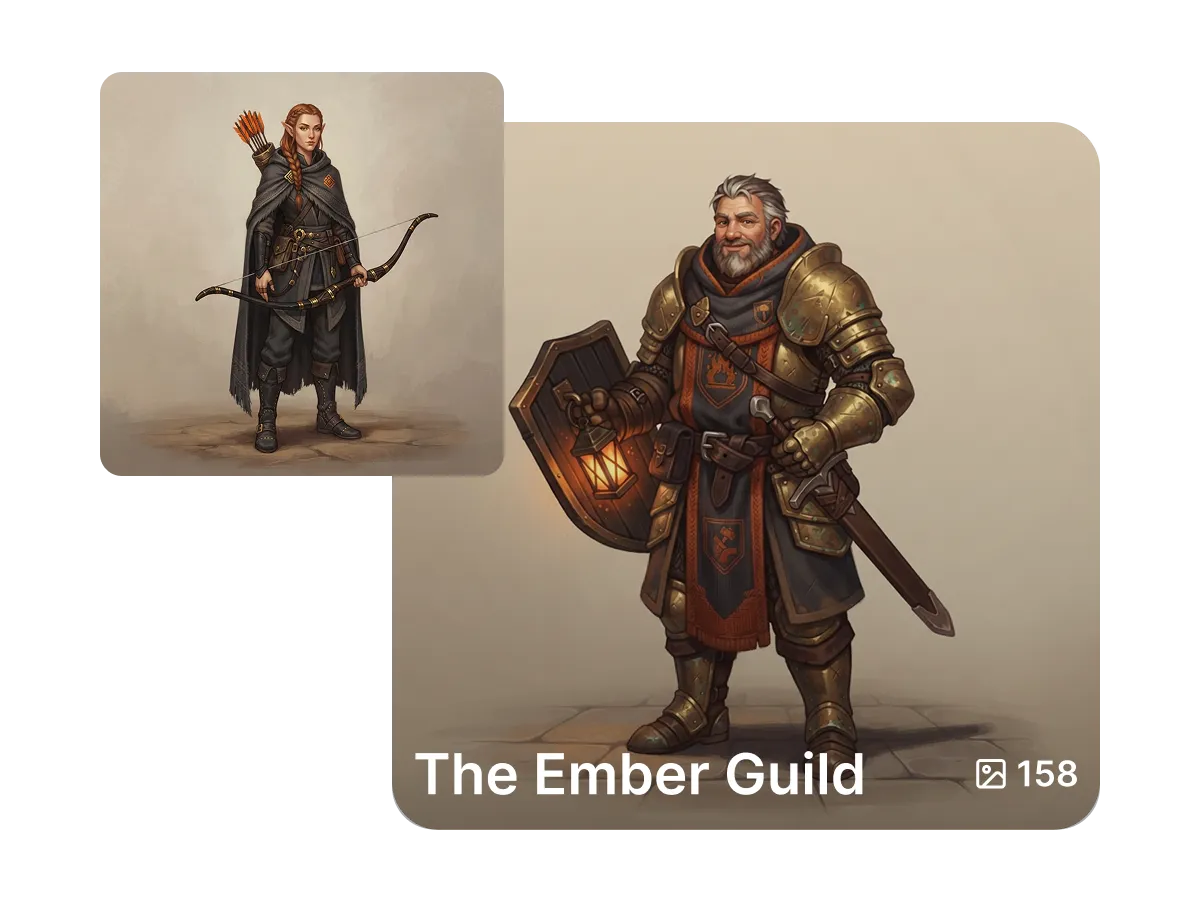
Give every character a home
Five characters in ten scenes is fifty images to track. In Lumen Landmark you save each character's versions into their own collection, so the whole cast stays organized. Come back any time and pick up a character exactly where you left them.
Learn more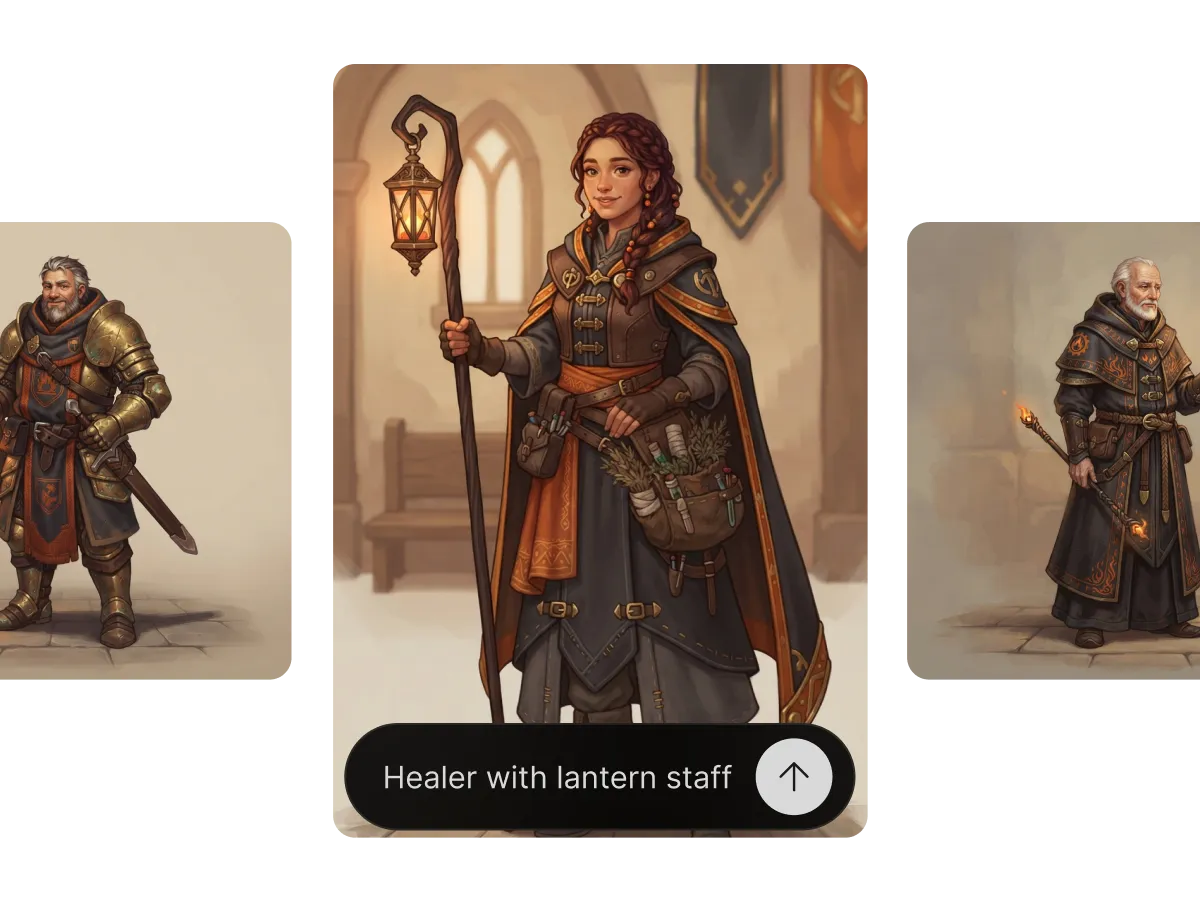
Design a cast that shares one world
Characters designed separately rarely look like they belong together. In Lumen Landmark you design each one against a shared style, then set their image as a reference so they stay on-model across outfits, poses, and expressions. The cast reads as one universe, scene after scene.
Learn moreWhat you can do
One workflow, many directions. Shape every generation exactly the way you want.
Keep a character on-model across scenes.
Restyle wardrobe and stance freely.
Anime, realistic, comic, painterly and more.
Use any generation to set the look.
Discover, save, create
Three steps, and each one makes the next better.
1. Discover
Look through character art in the app and save the looks that fit each role in your cast.
2. Save
Design each character, keep them in their own collection, and set their image as a reference for consistency.
3. Create
Describe new outfits, poses, and scenes, and Lumen Landmark keeps every character recognizably themselves.
More use cases
Explore other ways to create
Answers
Frequently asked questions
What is the best AI tool for character design?
Most AI generators lose the character between images. Lumen Landmark locks each design from a reference and gives every character a collection of their own, so your cast grows and stays itself.
How do I design a consistent character with AI?
In Lumen Landmark, design the character once, then set that image as a reference before each new scene so their appearance stays locked.
Can I design a whole cast that matches?
Yes. Use a shared style reference in Lumen Landmark so every character reads as part of the same world.
Can I change a character's outfit or pose?
Yes. Describe the new outfit or stance and Lumen Landmark applies it while keeping their face and identity.
What art styles work for character design?
Any. Describe anime, realistic, comic, or painterly in Lumen Landmark, or set the style with a reference.
How do I keep track of every version of a character?
Lumen Landmark saves every version into the character's collection, so you can compare looks and keep building their story.