Making wallpapers
Describe the mood you want and Lumen Landmark creates a wallpaper sized for your screen, crisp at 4K.
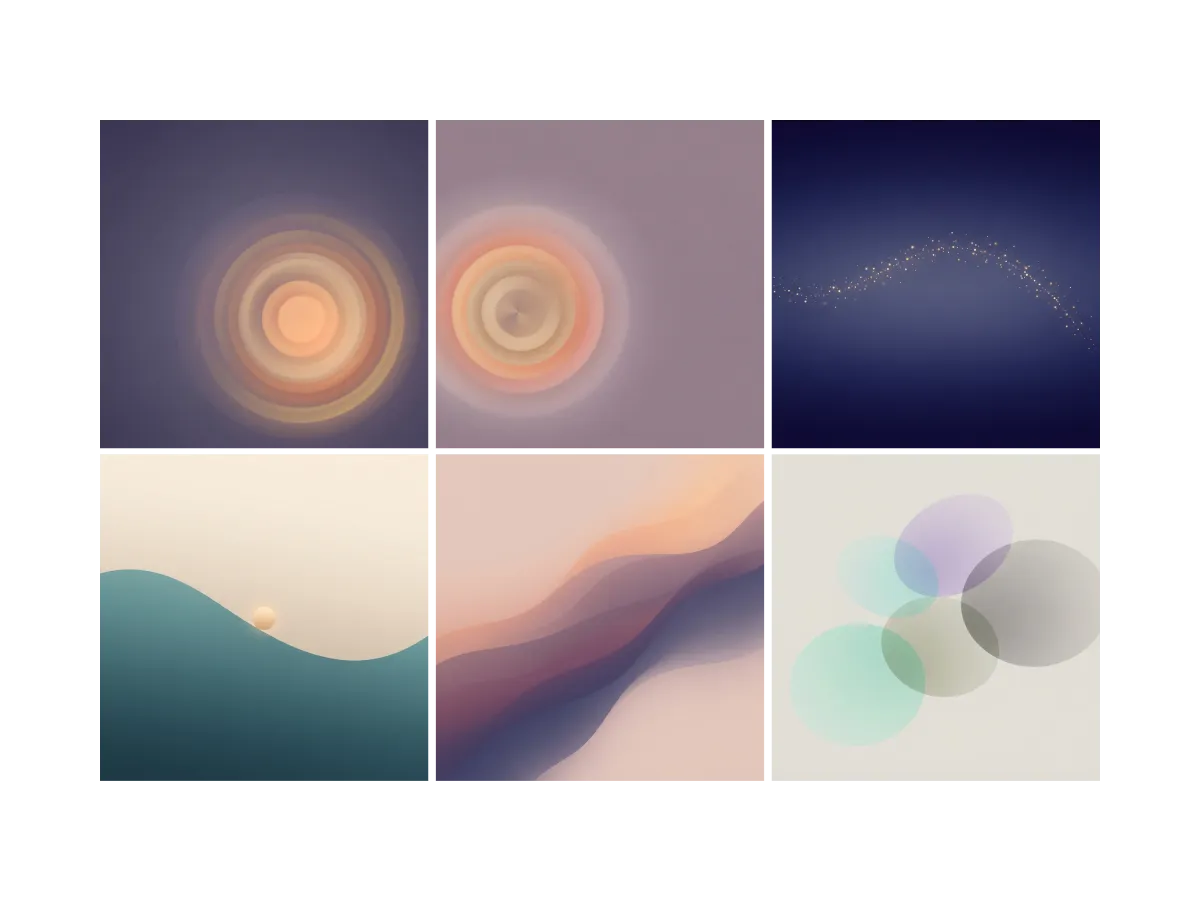
Everything you can do for making wallpapers
Find the mood before you make it
The right wallpaper starts with a feeling, and a blank prompt gives you none. In Lumen Landmark you discover wallpapers inside the app and save the moods and palettes that feel like you. The moods you keep shape what each collection suggests next.
Learn more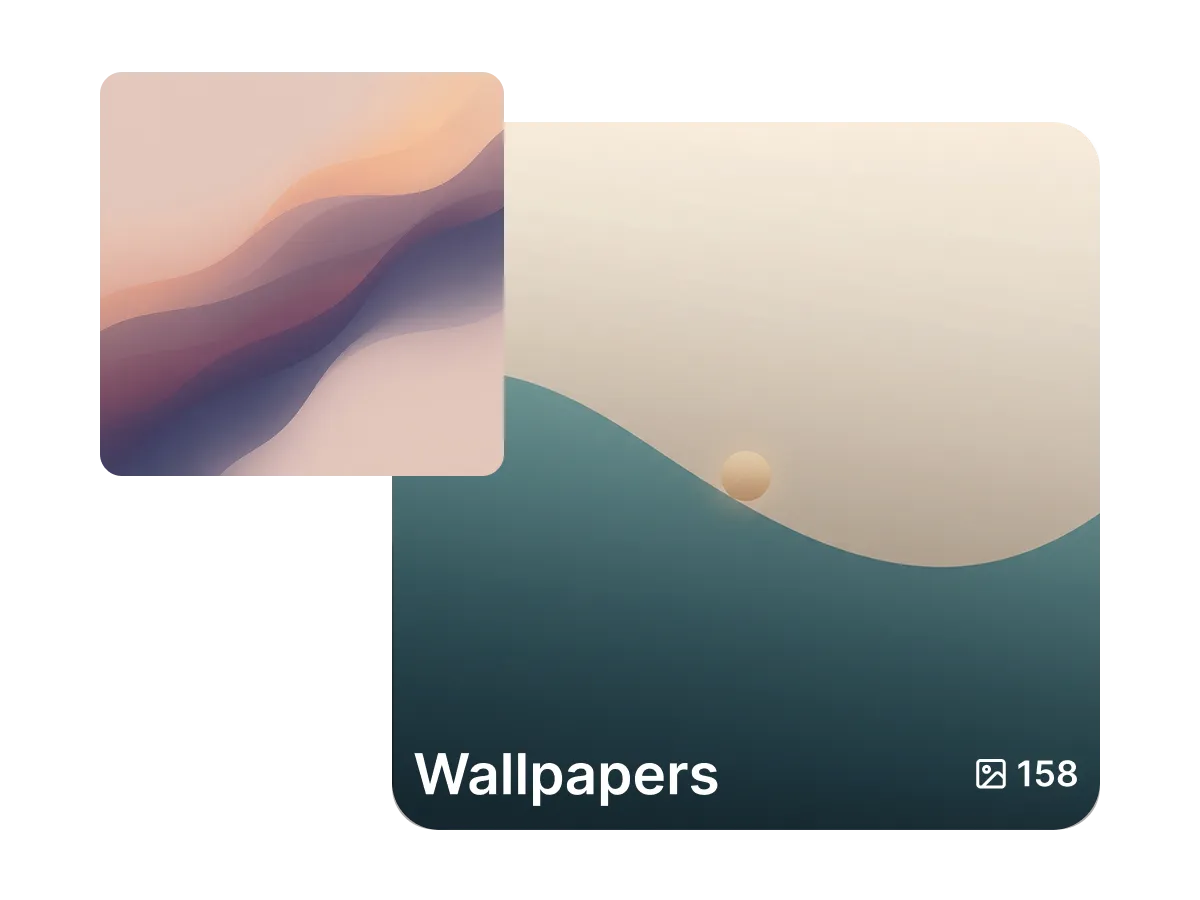
Build a set for every mood
A wallpaper you loved last month is easy to lose. In Lumen Landmark you save your favorites into collections, grouped your way: calm mornings, dark minimal, vivid color. Come back any time and rotate your screens through the set.
Learn more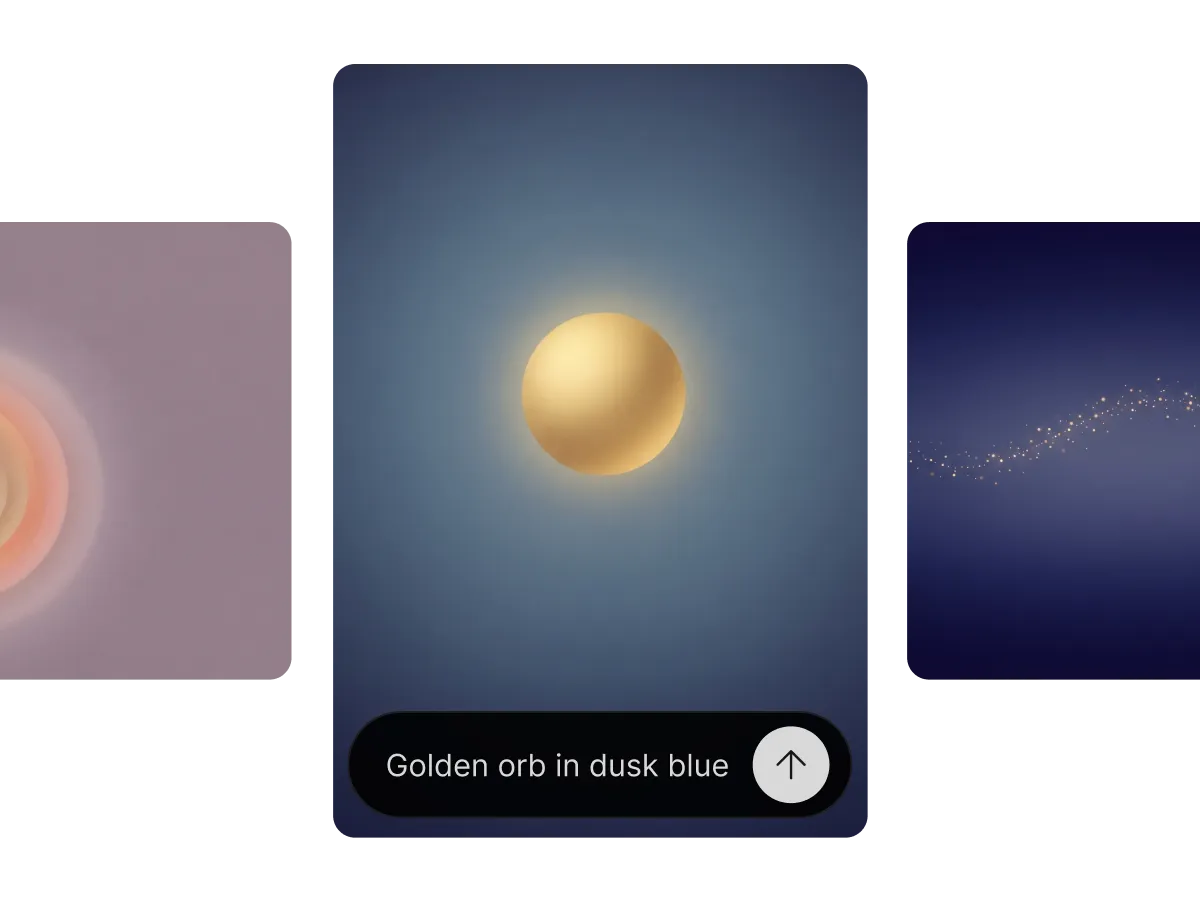
Create wallpapers that fit your screen
A stretched or cropped wallpaper never looks right. In Lumen Landmark you pick the aspect ratio for your phone, tablet, or desktop, describe the mood in plain words, and it creates the scene composed for that frame, crisp at up to 4K on the largest displays.
Learn moreWhat you can do
One workflow, many directions. Shape every generation exactly the way you want.
Portrait, square or wide for any device.
Sharp on phones, tablets and desktops.
Minimal, vibrant, dark, or dreamy. Your call.
Create a coordinated series at once.
Discover, save, create
Three steps, and each one makes the next better.
1. Discover
Look through wallpapers in the app and save the moods and palettes you want on your screens.
2. Save
Keep your favorites in a collection for each mood, grouped your way, so a fresh wallpaper is always one tap away.
3. Create
Pick the aspect ratio for your device, describe the mood in plain words, and Lumen Landmark creates it crisp at up to 4K.
More use cases
Explore other ways to create
Answers
Frequently asked questions
What is the best AI wallpaper maker?
Most wallpaper apps hand you someone else's images. Lumen Landmark creates wallpapers from your own words, sized for your screen, and saves them into collections, so your next set comes together faster than your first.
How do I make a wallpaper with AI?
In Lumen Landmark, pick the aspect ratio for your device, describe the mood in plain words, and it creates the wallpaper in seconds.
What resolution are the wallpapers?
Lumen Landmark creates wallpapers at up to 4K, so they stay crisp on the largest displays.
Can I make wallpapers for my phone and desktop?
Yes. Choose portrait, square, or wide in Lumen Landmark and the scene is composed for that screen.
Can I make a matching wallpaper set?
Yes. Use a wallpaper you saved as a reference in Lumen Landmark to create variations that share its style and palette.
Can I change a wallpaper I like?
Yes. Refine any saved wallpaper in Lumen Landmark: shift the palette or mood in plain words and keep both versions in your collection.