Book covers
Describe your book and Lumen Landmark creates cover concepts that signal the story at a glance.
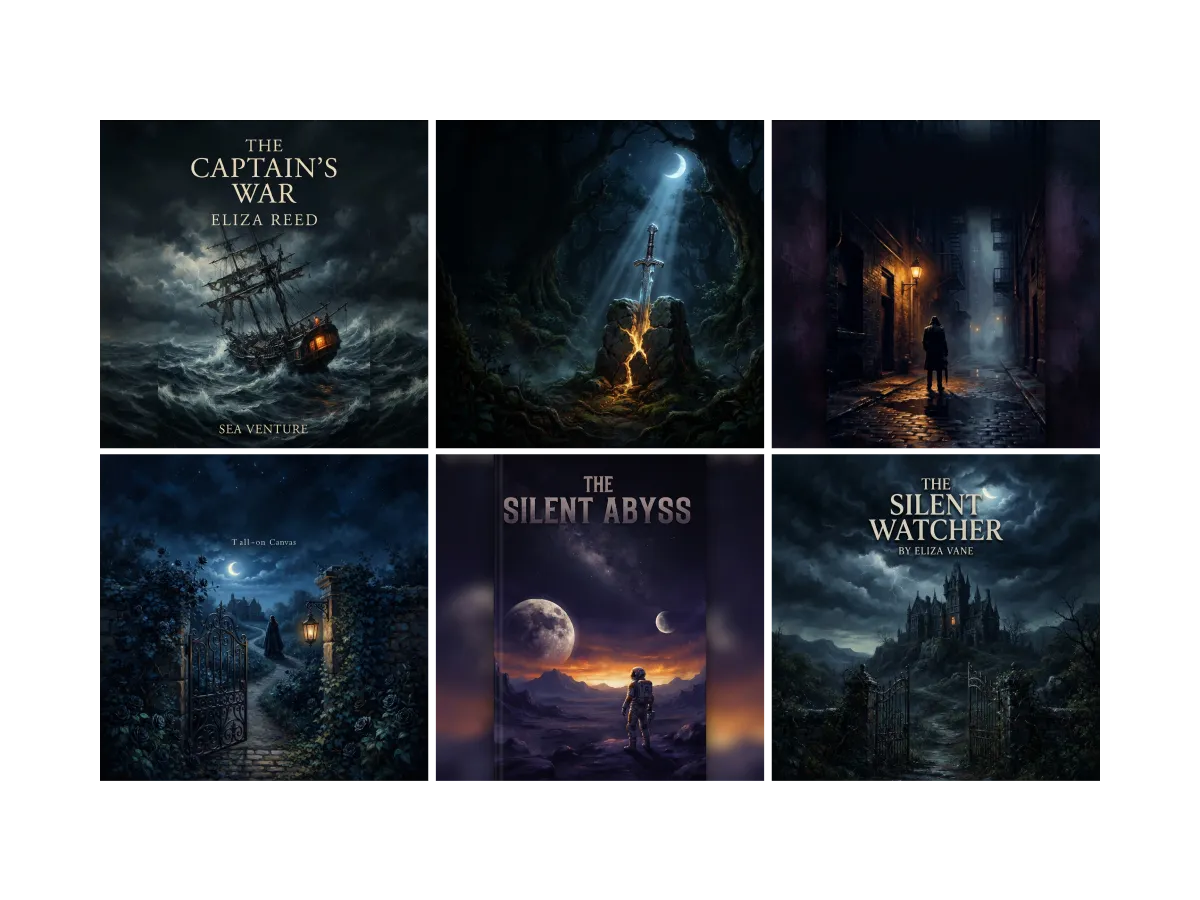
Everything you can do for book covers
See what pulls readers in
Readers judge a cover in a second, against every book beside it. In Lumen Landmark you discover cover art inside the app and save the ones that pull you in, so you design with your genre's codes in hand. Every cover you save sharpens the suggestions you see for your genre.
Learn more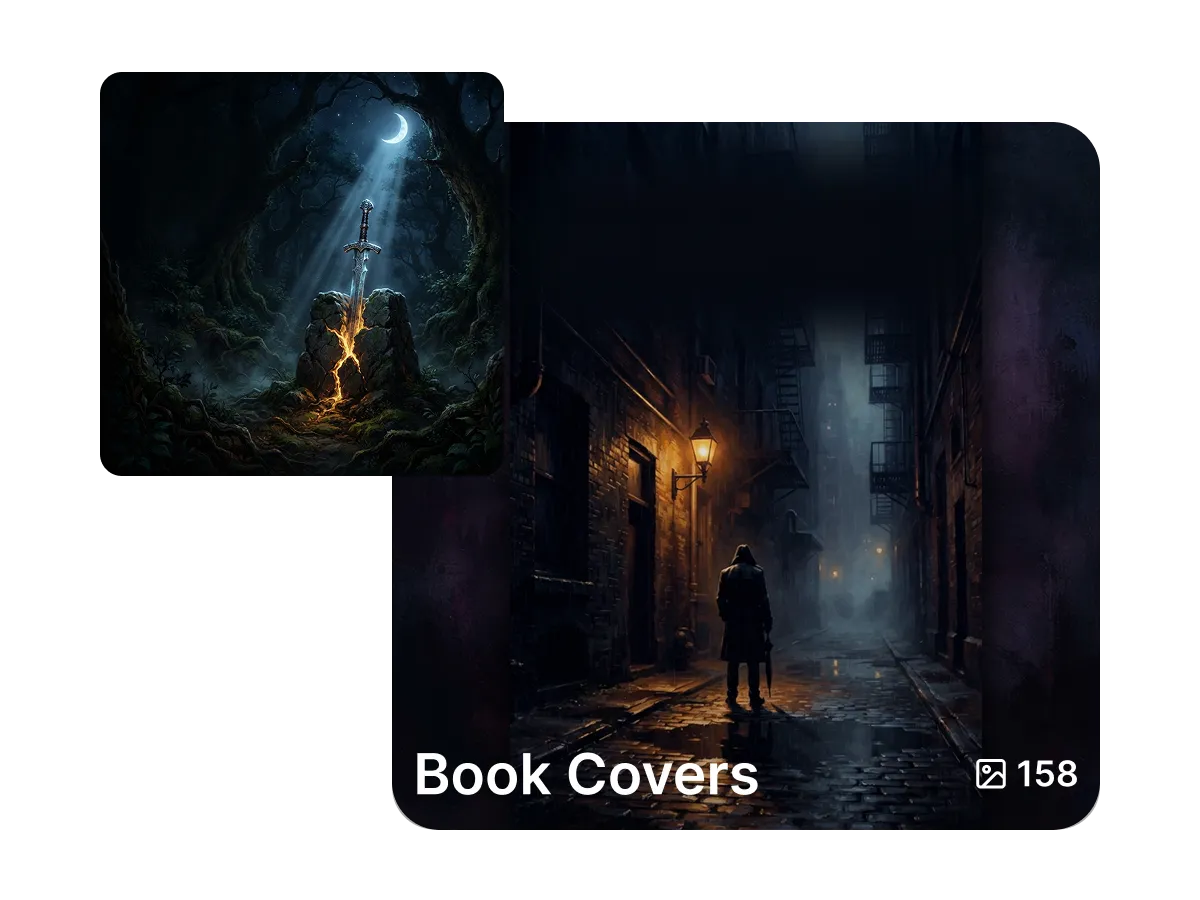
Compare every concept side by side
The right cover rarely shows up first. In Lumen Landmark you save each concept into a collection with one tap and compare directions side by side. Come back any time, pick the strongest, and push it further. The rest stay saved.
Learn more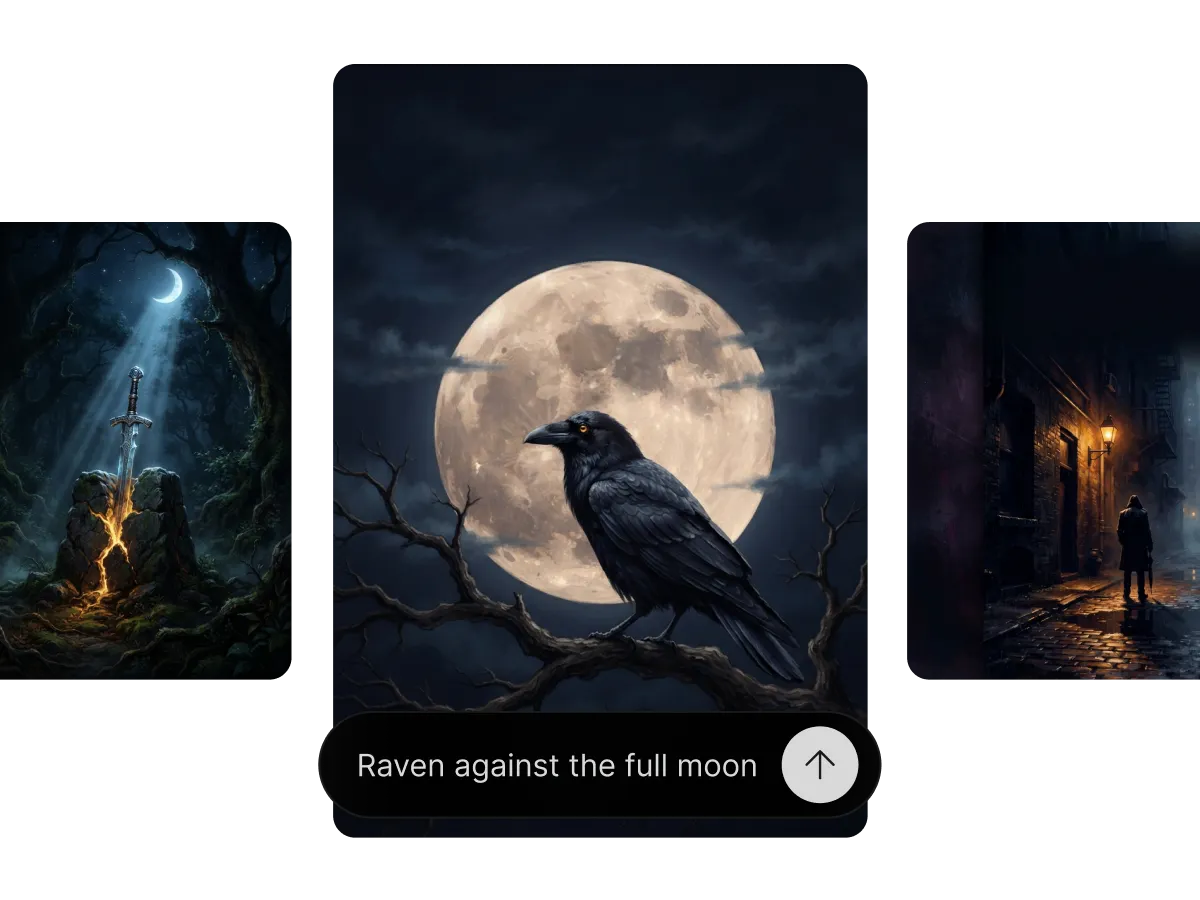
Create a cover that sells the story
A cover has one job: signal the story at a glance. In Lumen Landmark you describe the genre, mood, and key imagery in plain words and it creates cover concepts that fit. Lay your title over the scene, refine until it reads right, and take it to 4K for print.
Learn moreWhat you can do
One workflow, many directions. Shape every generation exactly the way you want.
Covers that signal the story at a glance.
Dial in palette, lighting and tone.
Lay text over the scene that fits the art.
Upscale the winner for clean prints.
Discover, save, create
Three steps, and each one makes the next better.
1. Discover
Look through cover art in the app and save the covers that catch your eye in your book's genre.
2. Save
Keep every concept in a collection, side by side, so you can compare directions and pick the strongest.
3. Create
Describe the genre, mood, and imagery, add your title, and Lumen Landmark creates the cover at up to 4K for print.
More use cases
Explore other ways to create
Answers
Frequently asked questions
What is the best AI book cover maker?
Most cover tools stop at a template. Lumen Landmark creates original covers from your story's genre and mood, saves every concept for comparison, and takes the winner to 4K, so your next cover starts ahead.
How do I make a book cover with AI?
In Lumen Landmark, describe the genre, mood, and key imagery in plain words. It creates cover concepts in seconds. Refine the one that fits and add your title.
Can I add my title to the cover?
Yes. Lay your title over the scene and Lumen Landmark matches lighting and perspective so it reads as one piece.
Can the cover match my genre?
Yes. Describe the genre in Lumen Landmark or guide it with covers you saved, and the concepts follow its codes.
Is the cover print-ready?
Yes. Upscale the finished cover to 4K in Lumen Landmark for crisp paperback and hardcover prints.
Can I use an AI book cover commercially?
Yes. With a paid subscription, you own commercial rights to the covers you create in Lumen Landmark.