Illustrations for stories
Illustrate every scene of your story and Lumen Landmark keeps your cast consistent from page to page.
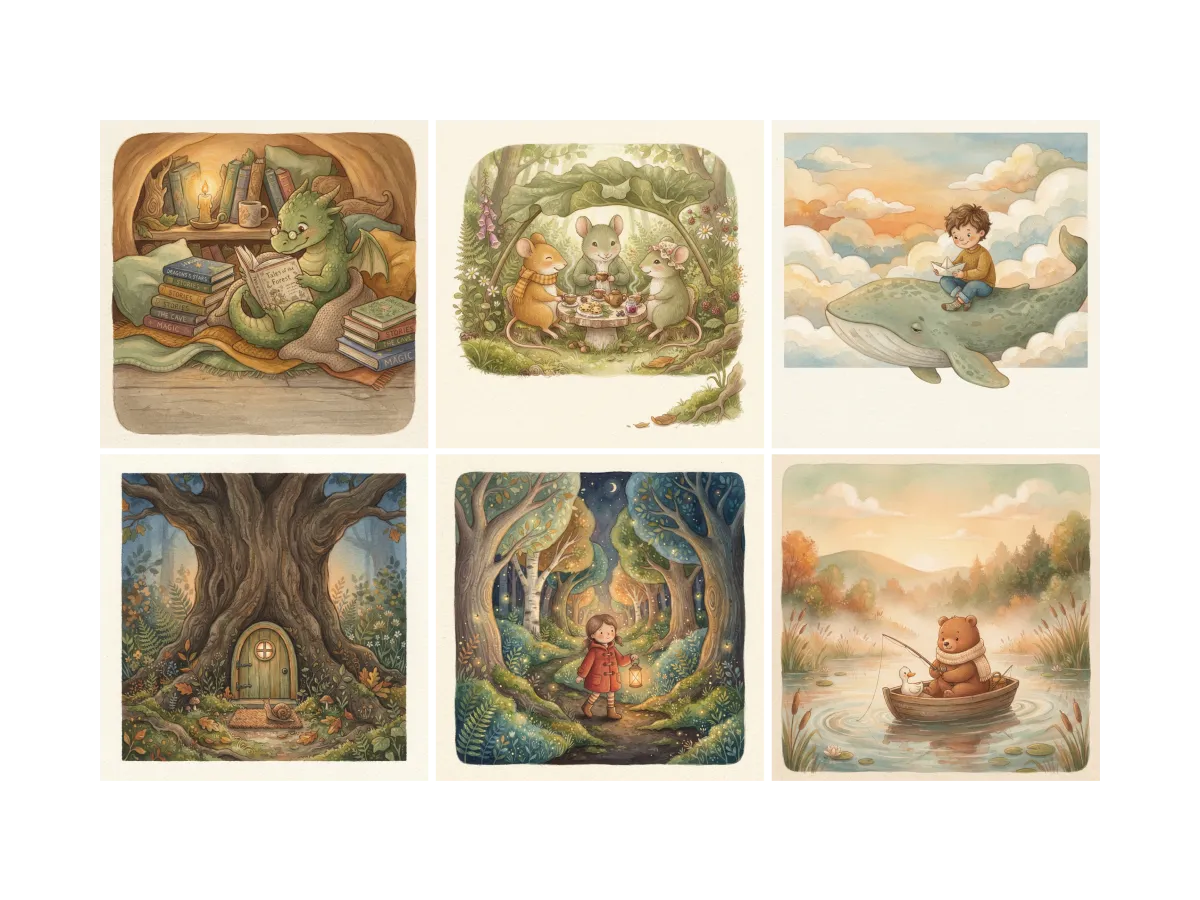
Everything you can do for illustrations for stories
Find the style your story deserves
Every story has a look, and finding it from a blank prompt is hard. In Lumen Landmark you discover illustration styles inside the app and save the ones that fit your story's tone, so you start from something real. Every style you save teaches your suggestions more about your story's world.
Learn more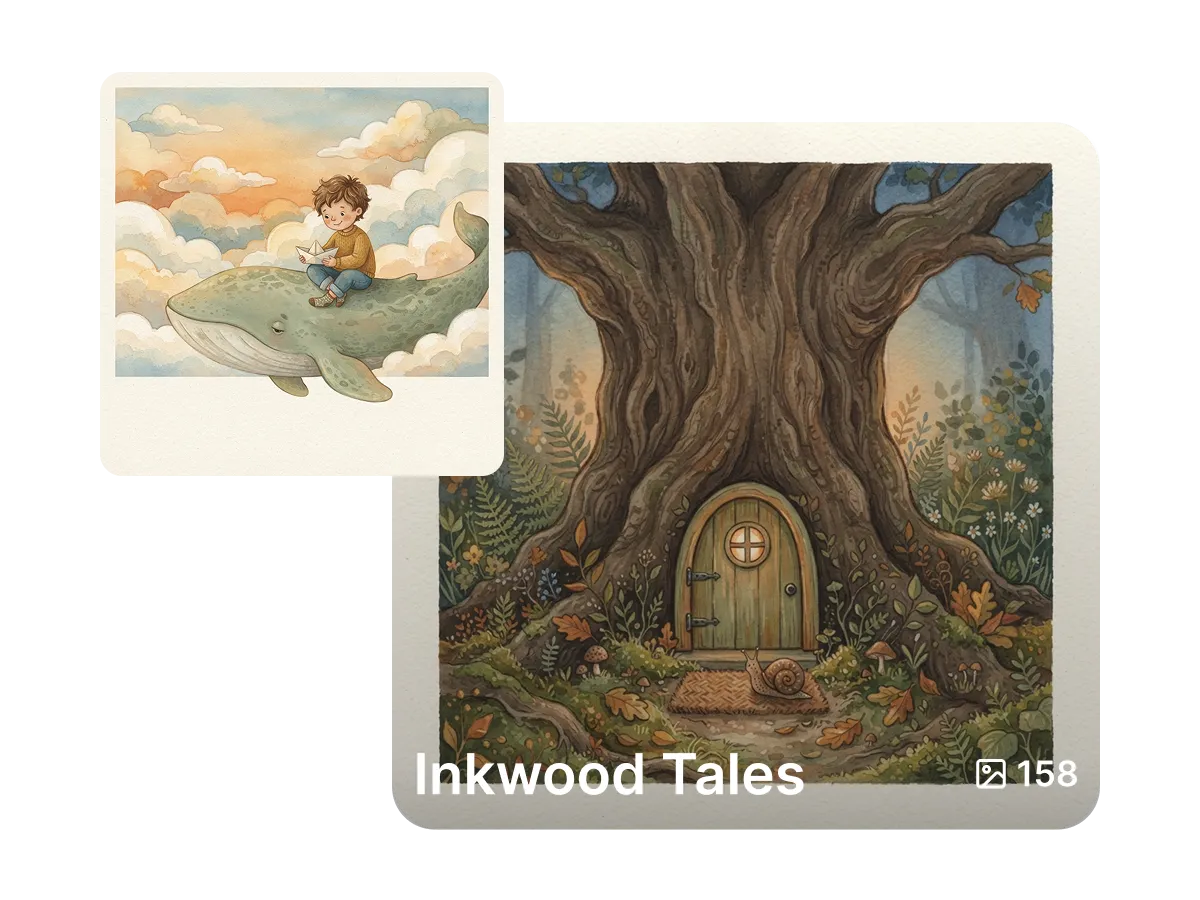
Build your book scene by scene
A story quickly becomes dozens of illustrations. In Lumen Landmark you save every scene into a collection with one tap, in reading order, so the whole book lives in one place. Come back any time and pick up the next chapter exactly where you left off.
Learn more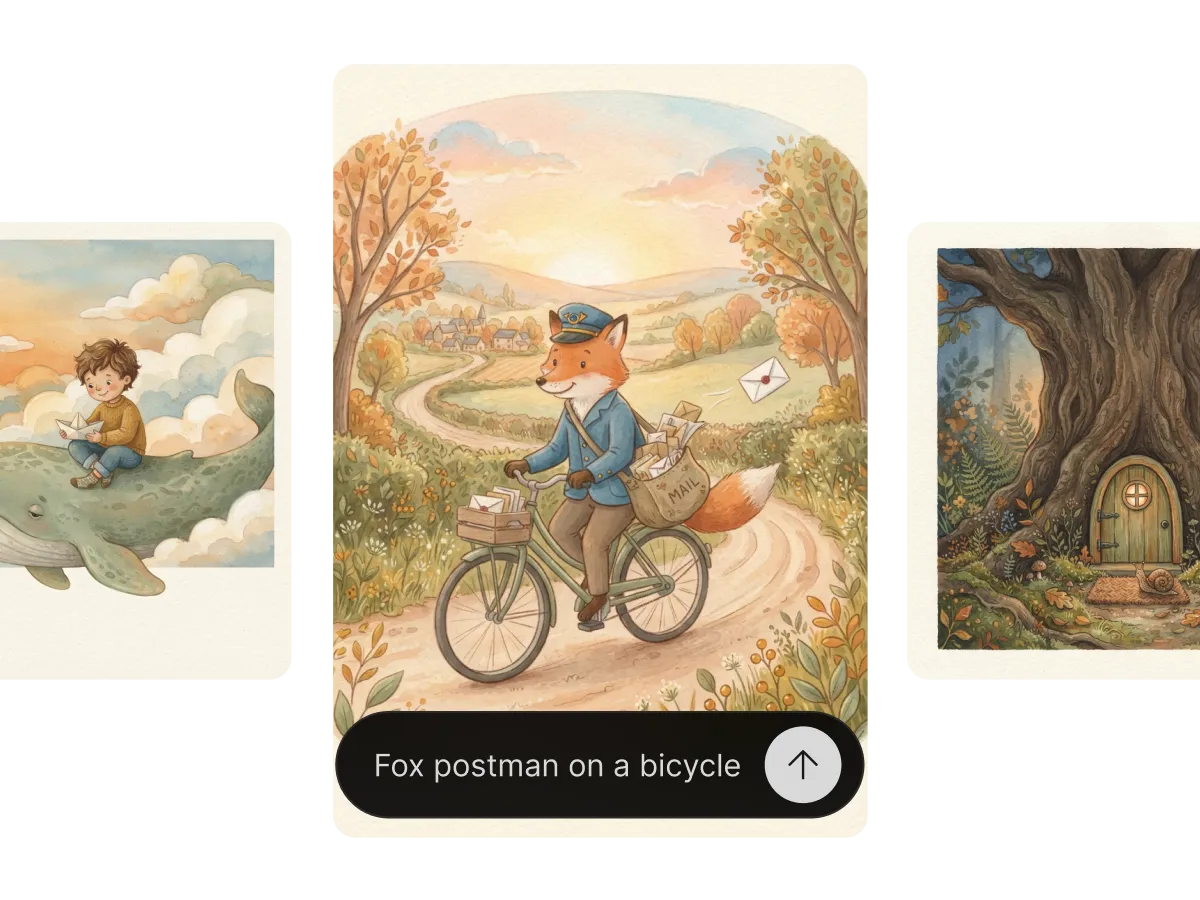
Illustrate every scene with the same cast
Most AI tools draw a different hero on every page. In Lumen Landmark you set your character as a reference, describe the scene in plain words, and it creates the illustration with the same cast every time. Your story stays believable from cover to cover.
Learn moreWhat you can do
One workflow, many directions. Shape every generation exactly the way you want.
Storybook, comic, painterly, photoreal and more.
Keep characters recognizable across scenes.
Spreads, portraits or panels for any layout.
Branch a moment into several directions fast.
Discover, save, create
Three steps, and each one makes the next better.
1. Discover
Look through illustration styles in the app and save the ones that match your story's tone before you draw a single scene.
2. Save
Keep your characters, settings, and finished scenes in a collection, in reading order, so the whole story lives in one place.
3. Create
Describe the scene in plain words, set your character as a reference, and Lumen Landmark illustrates it in your story's style.
More use cases
Explore other ways to create
Answers
Frequently asked questions
What is the best AI tool for story illustrations?
Most AI tools draw a different character on every page. Lumen Landmark keeps your cast consistent from a reference and saves every scene in a collection, so each new page starts easier than the last.
How do I illustrate a story with AI?
In Lumen Landmark, design your characters once, save them into a collection, then describe each scene in plain words. It illustrates the moment with the same cast every time.
Can my characters stay consistent across pages?
Yes. Set a character image as a reference in Lumen Landmark and their look stays the same in every illustration.
What illustration styles can I use?
Any. Describe a storybook, comic, or painterly look in Lumen Landmark, or guide it with an image you saved.
How do I organize illustrations for a book?
Lumen Landmark saves every illustration into a collection, so each story has a home you can reorder and return to any time.
Can I print my illustrated story?
Yes. Upscale your illustrations to 4K in Lumen Landmark for crisp printed pages and covers.