Image editing
Reshape any image with plain words and Lumen Landmark keeps the composition intact.
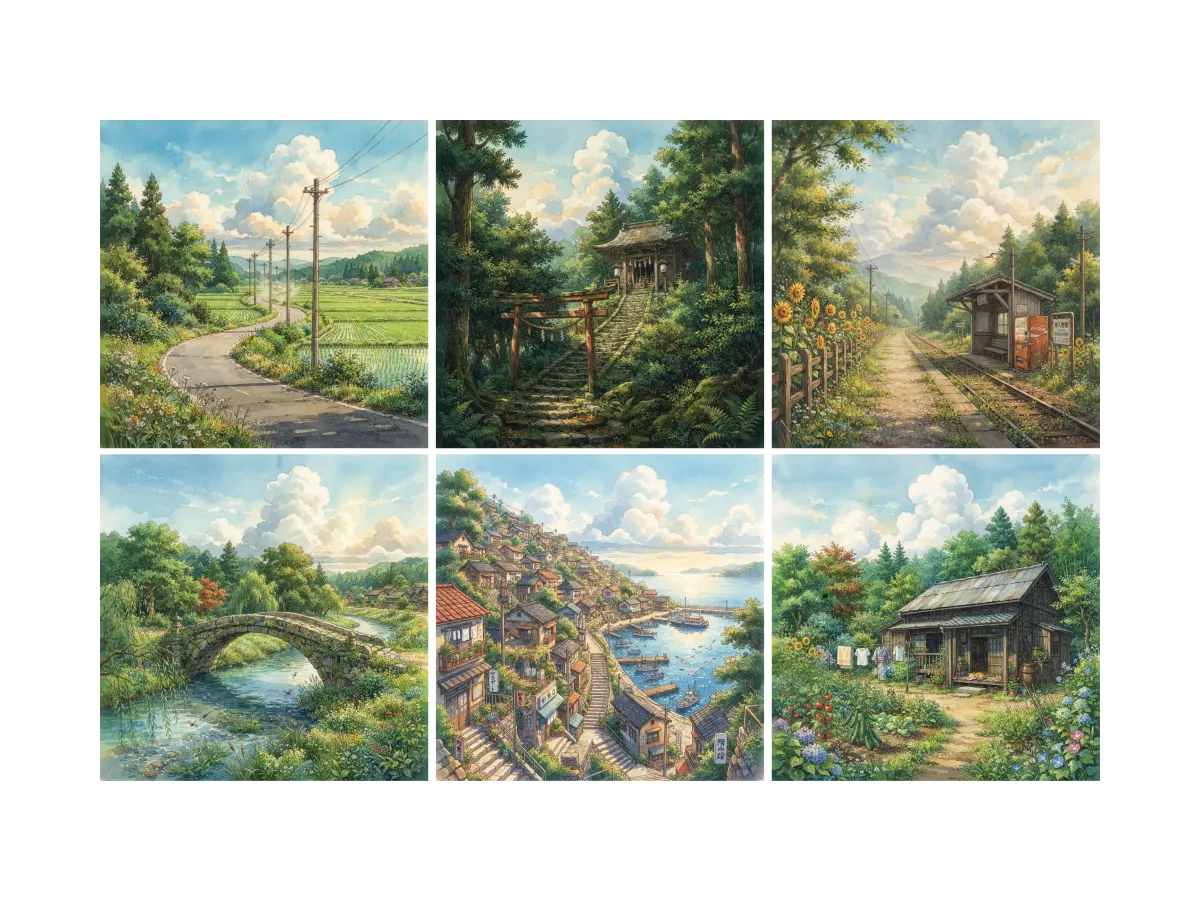
Discover, save, and create with Image editing
Find images worth reworking
The best edits start from an image you already like. In Lumen Landmark you discover and save images inside the app, so you always have a strong starting point to restyle or refine. The more you save, the closer each collection's suggestions get to your taste.
Learn more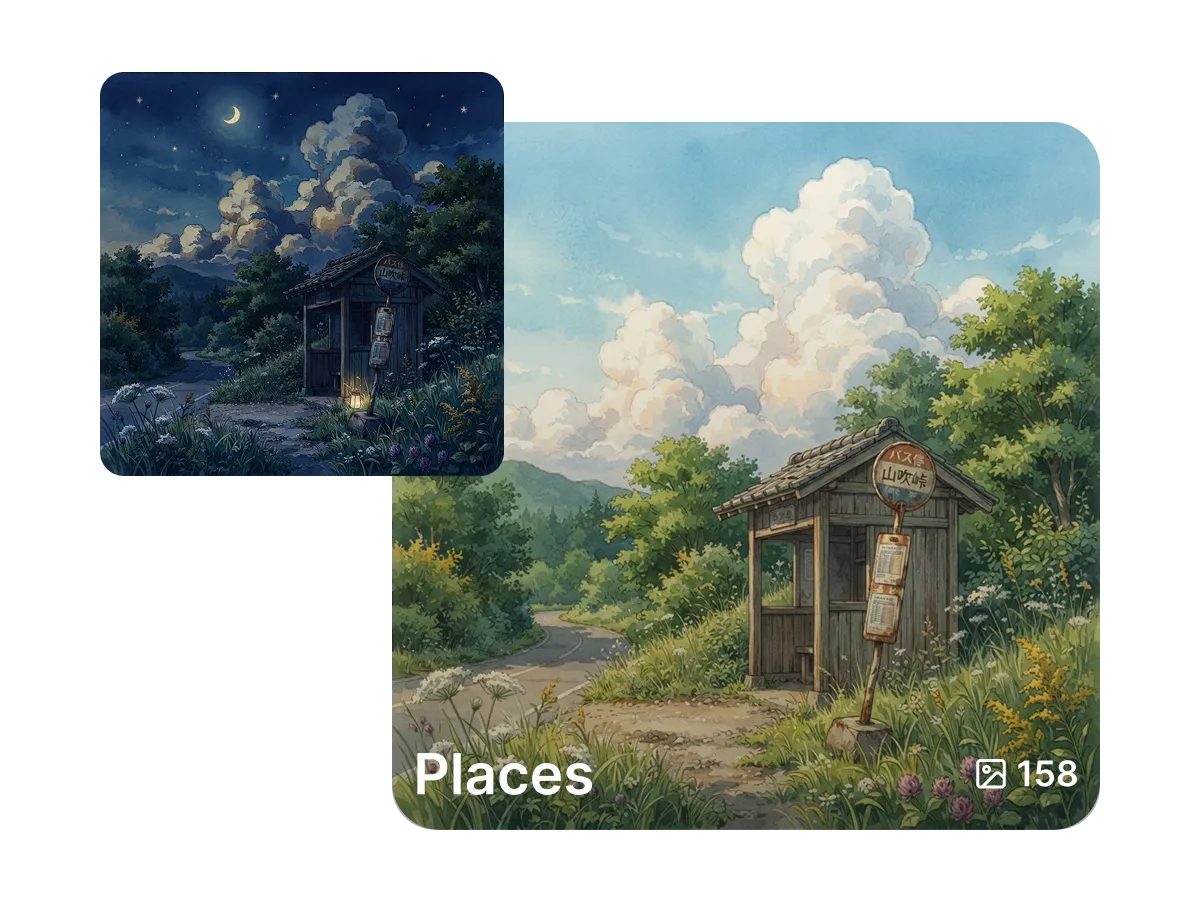
Keep your edits in one place
Trying five directions usually means five stray files. In Lumen Landmark you save every version into a collection with one tap, grouped your way. Come back any time to compare them or push a favorite further, with the original always saved beside it.
Learn more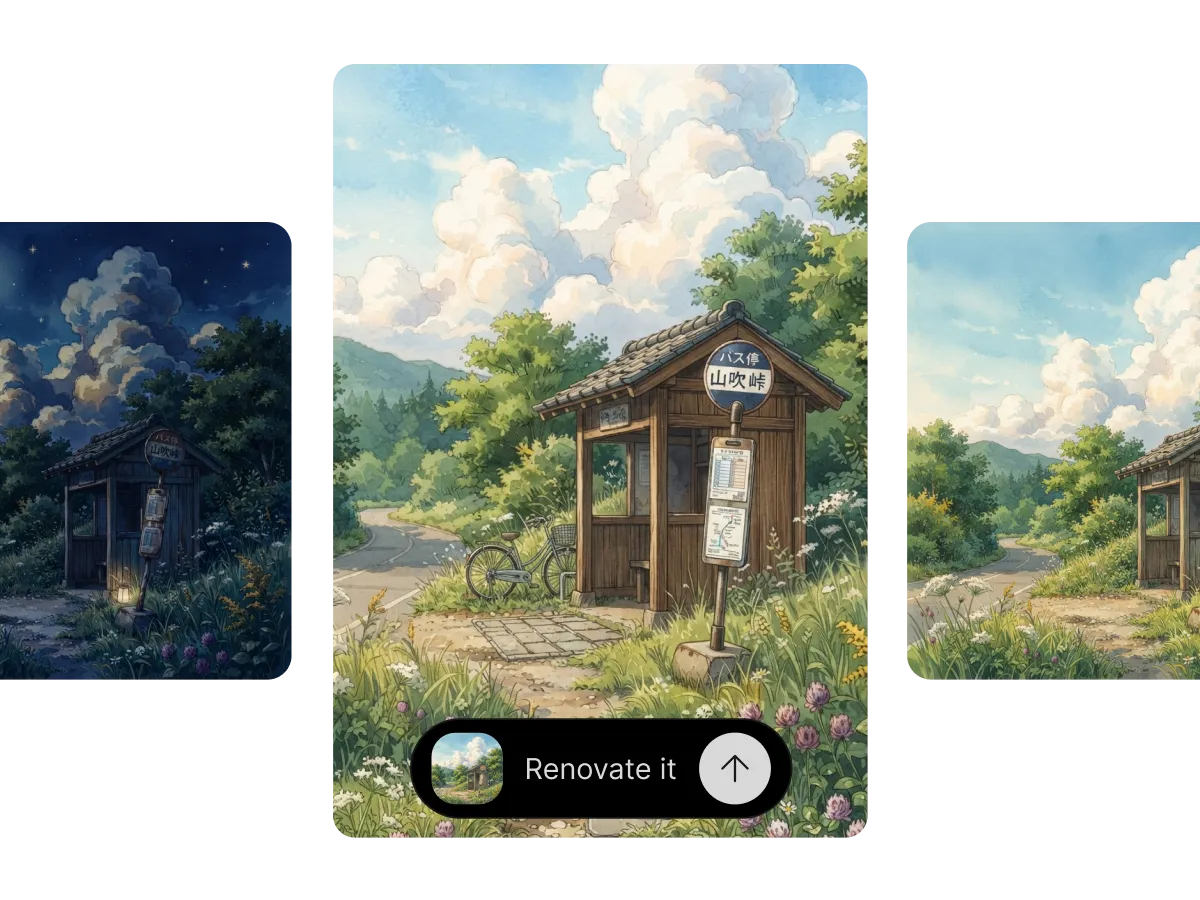
Restyle without starting over
Re-prompting from scratch loses the composition you worked for. In Lumen Landmark you describe the change in plain words, from photoreal to anime or a new background, and it re-renders while keeping the subject and pose. Iterate fast and land the look you want.
Learn moreWhat you can do
One tool, many directions. Shape every generation exactly the way you want.
Shift palette and mood without re-prompting.
Refine details, clean edges and fix artefacts.
Replace or extend the scene around a subject.
Re-render in any genre while keeping the layout.
Discover, save, create
Three steps, and each one makes the next better.
1. Discover
Open your collections or the app and pick the image you want to edit. Save it first if you have not already.
2. Save
Keep the image and each new version in a collection, grouped your way, so you can compare directions later.
3. Create
Describe the new style, color, or fix, and Lumen Landmark re-renders the image while keeping the composition.
More tools
Explore the rest of the suite
Answers
Frequently asked questions
What is the best AI image editor?
Most AI editors make you re-prompt from scratch and lose your composition. Lumen Landmark edits from your existing image, keeps the subject and pose, and saves every version in your collections, so every edit builds on the last.
How do I edit an image with AI?
In Lumen Landmark, pick an image and describe the change in plain words. It re-renders with your edit applied while keeping the original composition.
Will editing change the subject?
No. In Lumen Landmark the identity, pose, and expression are preserved, and only what you describe changes.
Can I change the art style of an image?
Yes. Describe any style, from photoreal to anime or oil paint, and Lumen Landmark restyles the image while keeping the layout.
Can I combine multiple styles?
Yes. Describe a hybrid direction and Lumen Landmark interprets it faithfully.
How is editing different from generating?
Editing in Lumen Landmark starts from an existing image, so the layout and scene stay the same instead of being made anew.