Image Upscaling
Re-render any image at higher resolution and Lumen Landmark adds real detail, not stretched pixels.
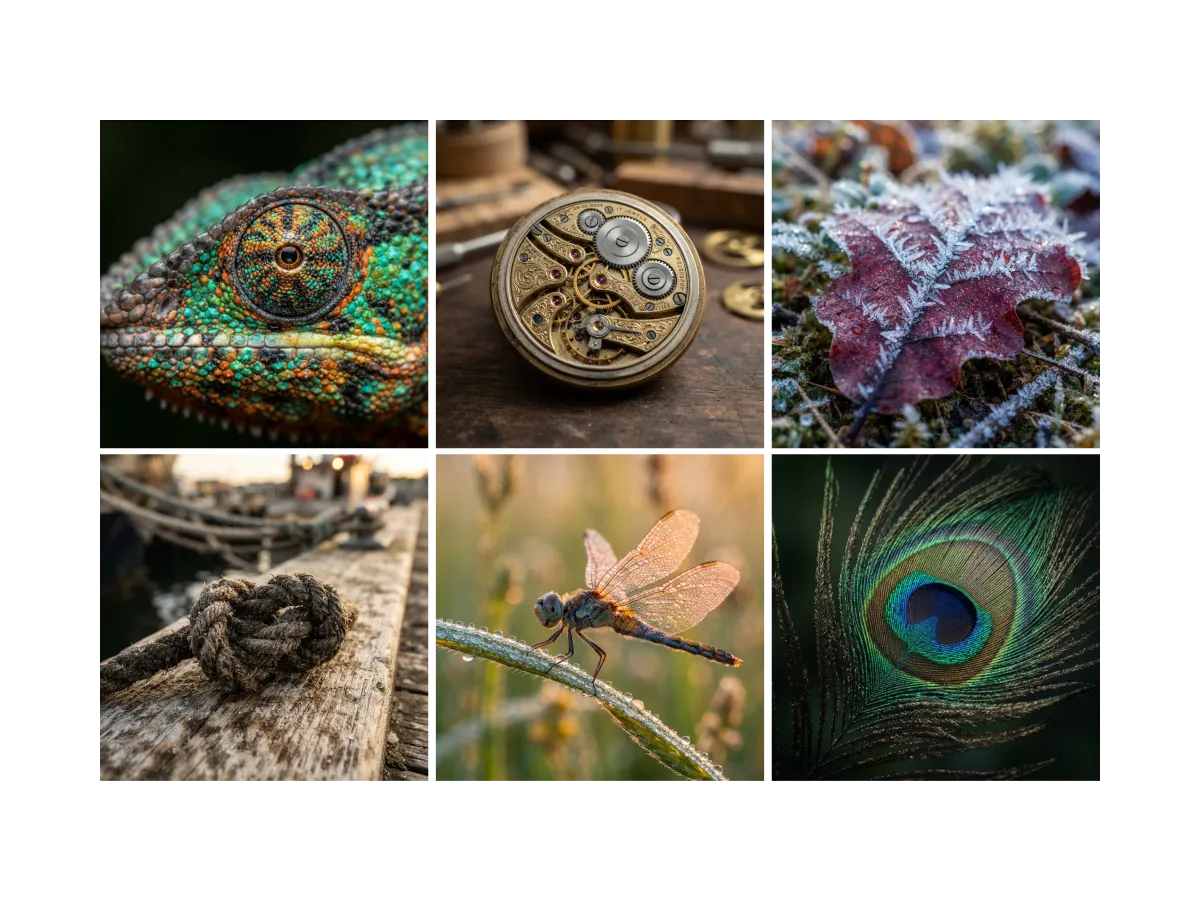
Discover, save, and create with Image Upscaling
Find the images worth upscaling
Not every image deserves a 4K re-render. In Lumen Landmark you discover and save the images you love first, so your best work is easy to find when you want to upscale it. Every save also teaches your suggestions what you love, collection by collection.
Learn more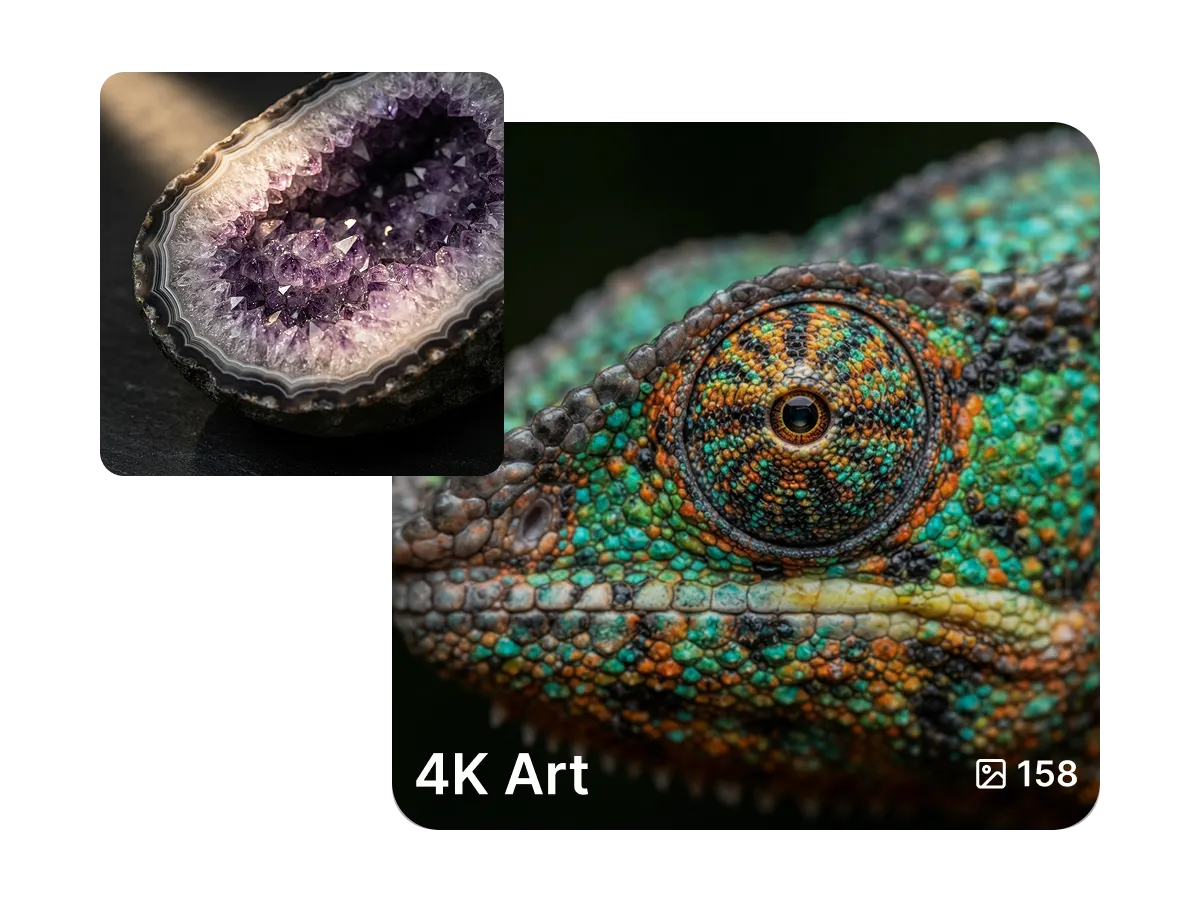
Keep your favorites ready to upscale
It is easy to lose track of an image you liked and later wish you had bigger. In Lumen Landmark you save any image into a collection with one tap, grouped your way. Come back any time and upscale a saved image to the resolution you need.
Learn more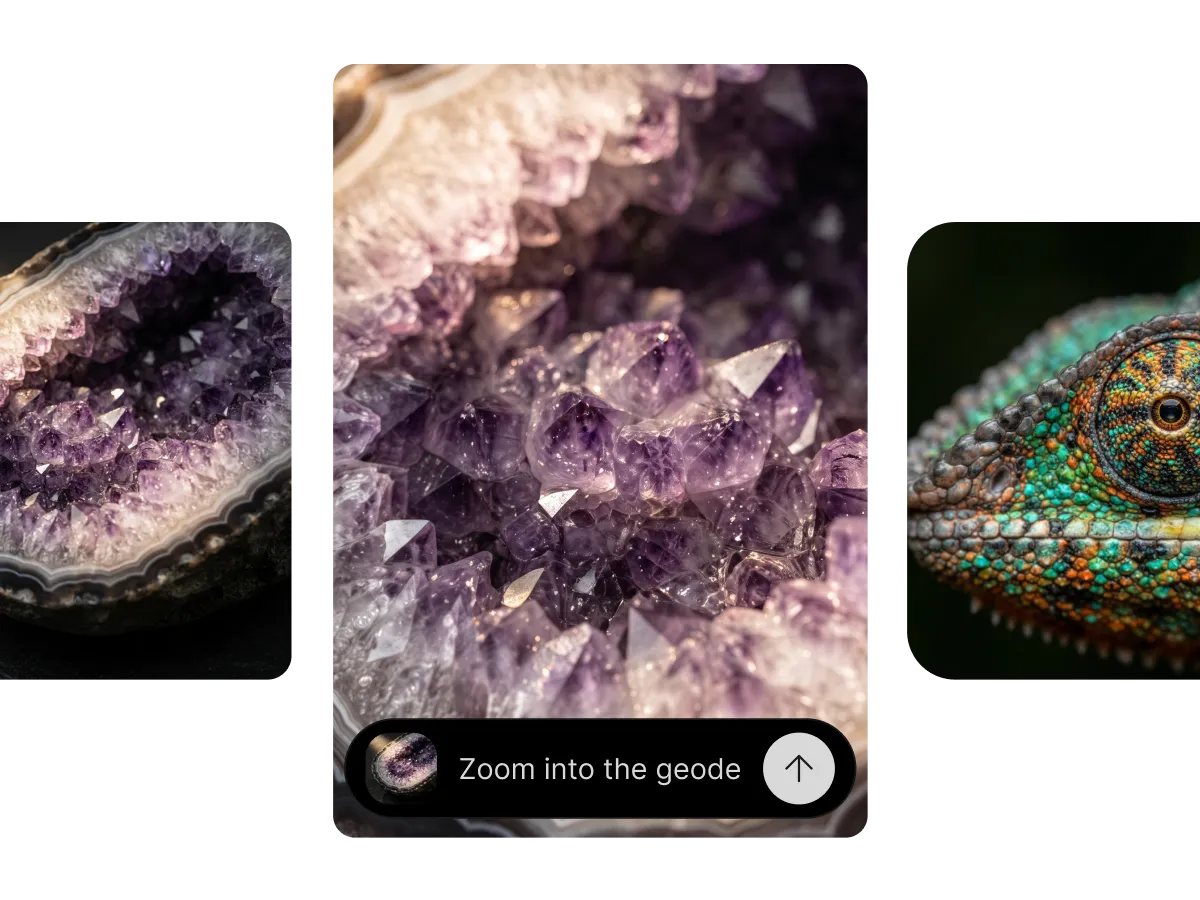
Upscale with real detail, not stretched pixels
Ordinary upscalers stretch pixels and leave images soft. In Lumen Landmark you pick an image and it re-renders the whole thing at 1K, 2K, or 4K, adding sharper textures and cleaner edges. Describe a change while you upscale, and the composition stays intact.
Learn moreWhat you can do
One tool, many directions. Shape every generation exactly the way you want.
Move any image between 1K, 2K and 4K.
Adjust lighting or detail during the re-render.
Upscale your own generations or saved images.
Layout and subject stay; only fidelity grows.
Discover, save, create
Three steps, and each one makes the next better.
1. Discover
Open your collections or the app and pick the image you want to upscale. Save it first if you have not already.
2. Save
Keep the image in a collection, grouped your way, so it is ready to re-render whenever you need a bigger version.
3. Create
Choose 1K, 2K, or 4K, describe any edits, and Lumen Landmark re-renders the image with real added detail in seconds.
More tools
Explore the rest of the suite
Answers
Frequently asked questions
What is the best AI image upscaler?
Most upscalers just stretch pixels, so images come out soft. Lumen Landmark re-renders the whole image and adds real detail, and it keeps every version saved in your collections, so your best work is always ready to grow.
How do I upscale an image without losing quality?
In Lumen Landmark, pick an image and choose 1K, 2K, or 4K. It re-renders the whole image and adds genuine detail instead of stretching pixels, so quality goes up, not down.
What is the difference between upscaling and re-rendering?
Upscaling stretches the pixels you already have. Lumen Landmark re-renders the image at the new resolution, adding sharper textures and cleaner edges while keeping the original composition.
What resolutions can I upscale to?
Lumen Landmark upscales to 1K for drafts, 2K for web, and 4K for print. You can move any image between them.
Can I edit an image while upscaling it?
Yes. Describe lighting, sharpening, or background changes and Lumen Landmark applies them during the re-render, in one step.
Can I upscale images for printing?
Yes. Re-render any image at 4K in Lumen Landmark for crisp, print-ready posters, cards, and merch.